Close a Request
When a maintenance issue has been resolved, close the request to move it out of your active queue. Closing a request notifies the resident that the issue is considered resolved.
What you'll need
- A Propty account with Property Manager, Property Admin, or Team Member access
- An open request (status: New, In Progress, or Pending)
Steps
1. Open the request
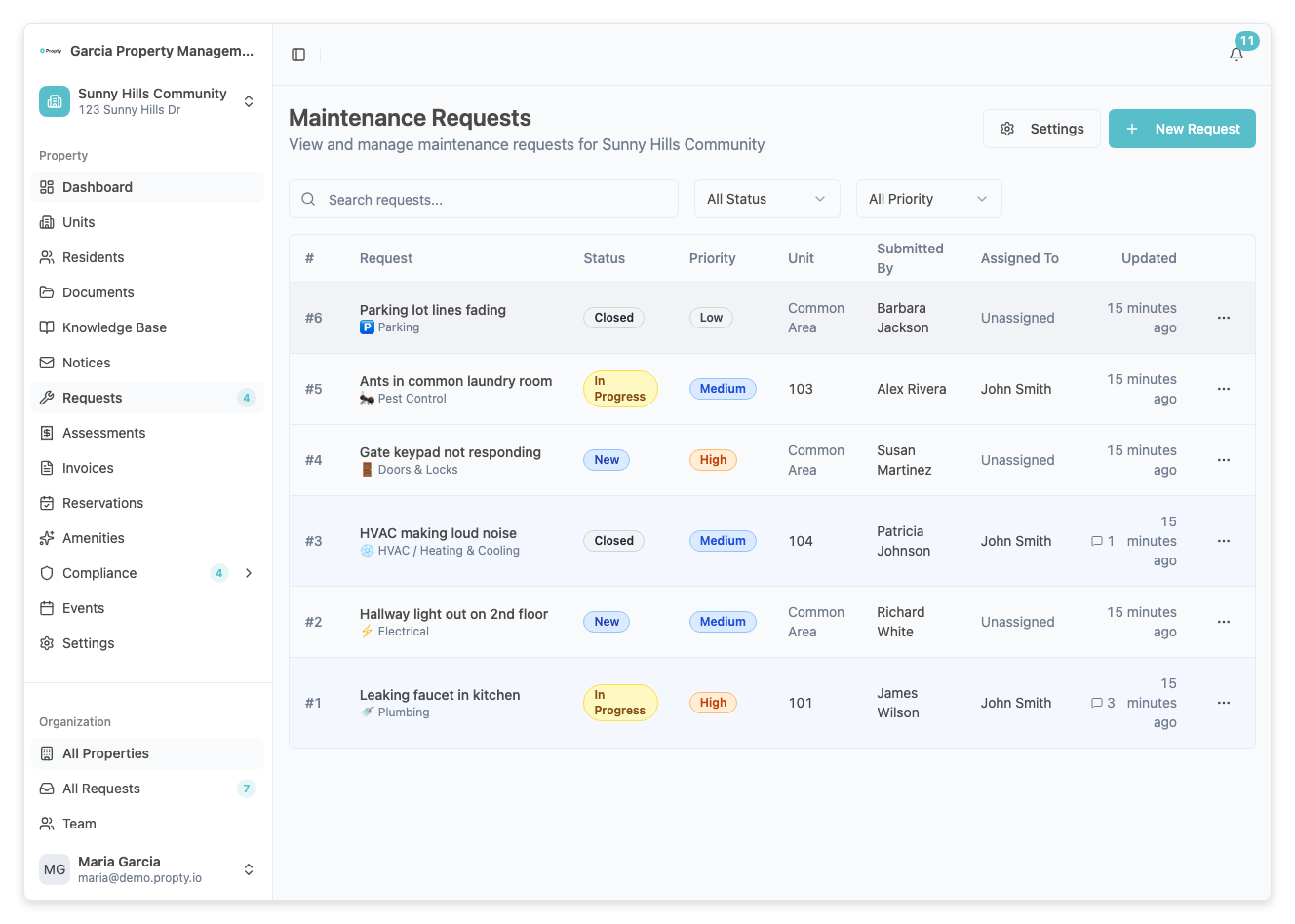
From the Requests page, click on the request you want to close.
2. Change the status to Closed
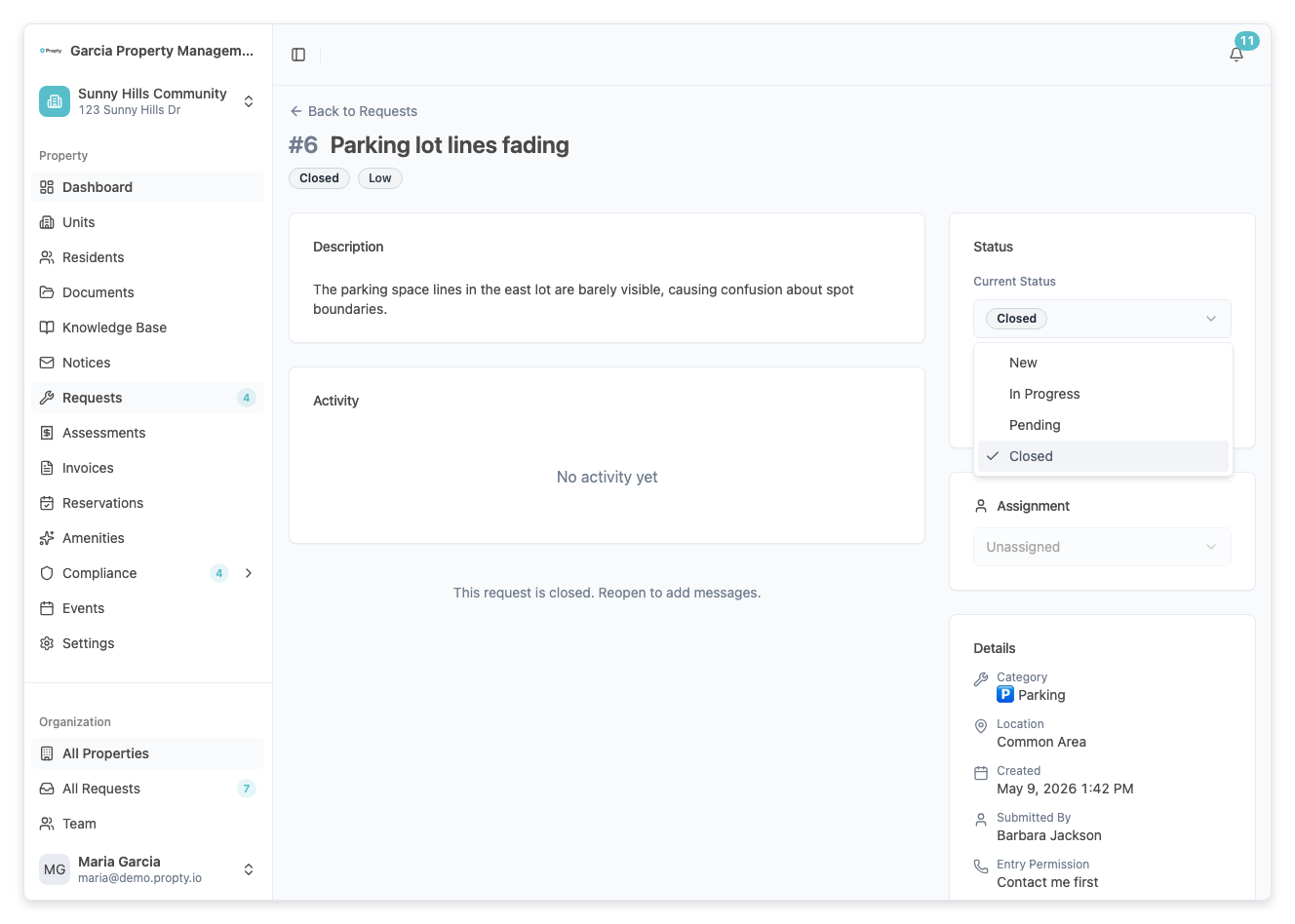
In the sidebar on the right, find the Status dropdown (under the Status & Priority section). Click on it and select Closed.
3. Confirm the status change
The status will update immediately. A success message will confirm the change. The resident will be notified that their request has been closed.
What happens when you close a request
- The request status changes to Closed
- The resident receives a notification that the issue is resolved
- The reply section is disabled — no new messages can be added
- The sidebar fields (priority, assignment, settings) become read-only
- The request remains visible in the request list with a "Closed" status for your records
Reopening a closed request
If the resident reports the issue is not actually resolved, you can reopen the request:
- Open the closed request
- Change the Status dropdown back to In Progress (or New / Pending as appropriate)
- The reply section and sidebar controls will become active again
Auto-close behavior
If you have auto-close enabled in Request Settings, requests will be automatically closed after a period of inactivity:
- After the warning period (default: 7 days of no activity), the resident receives a warning notification
- If the resident does not respond within the grace period (default: 3 days), the request is automatically closed
- You can disable auto-close for individual requests using the toggle in the request sidebar
Troubleshooting
The resident says the issue is not resolved
- Reopen the request by changing the status back to In Progress.
- Add a message asking the resident for more details about the remaining issue.
I accidentally closed a request
- Simply reopen it by changing the status to In Progress or New.
Closed requests are cluttering my list
- Use the Status filter on the Requests page to hide closed requests. Select only New, In Progress, and Pending to see your active queue.