Reset Your Password
If you have forgotten your password or are unable to log in, you can reset it using your email address.
What You'll Need
- The email address you used to create your Propty account
- Access to your email inbox
Steps
1. Go to the Login Page
Open app.propty.io/login in your web browser.
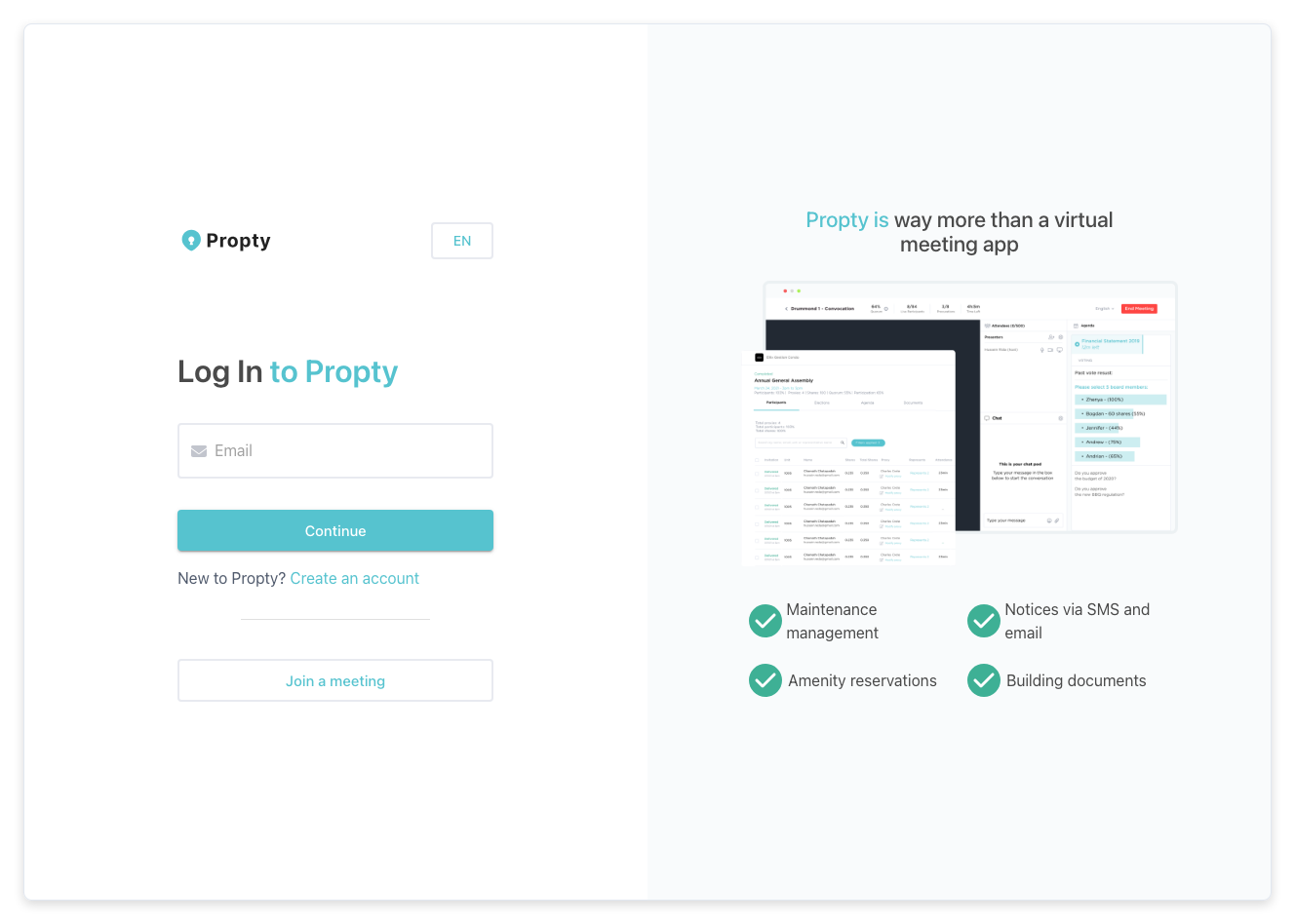
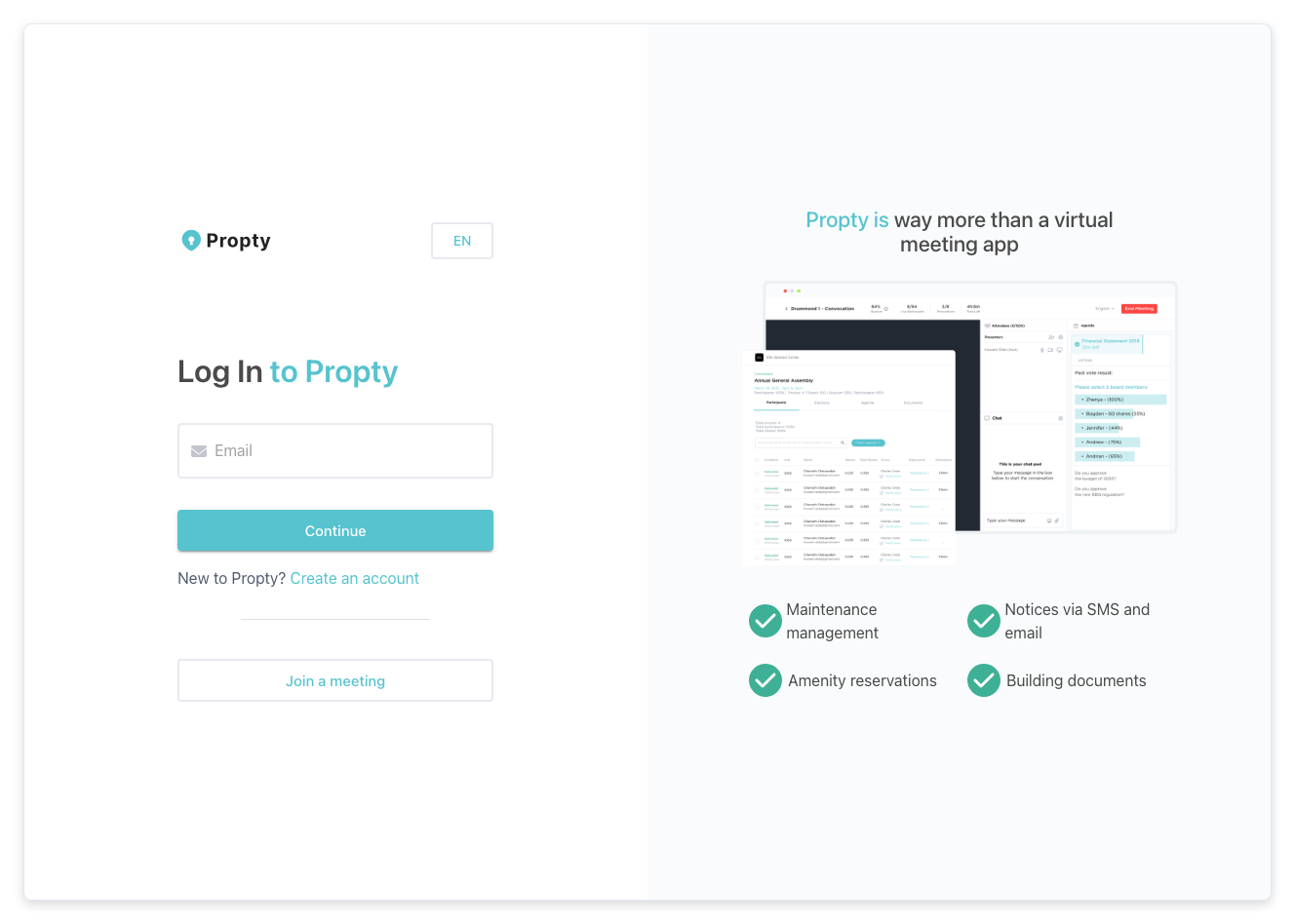
2. Enter Your Email Address
Type your email address in the email field and click Continue.
3. Click "Forgot your password?"
On the password screen, click the Forgot your password? link. This takes you to the password reset page.
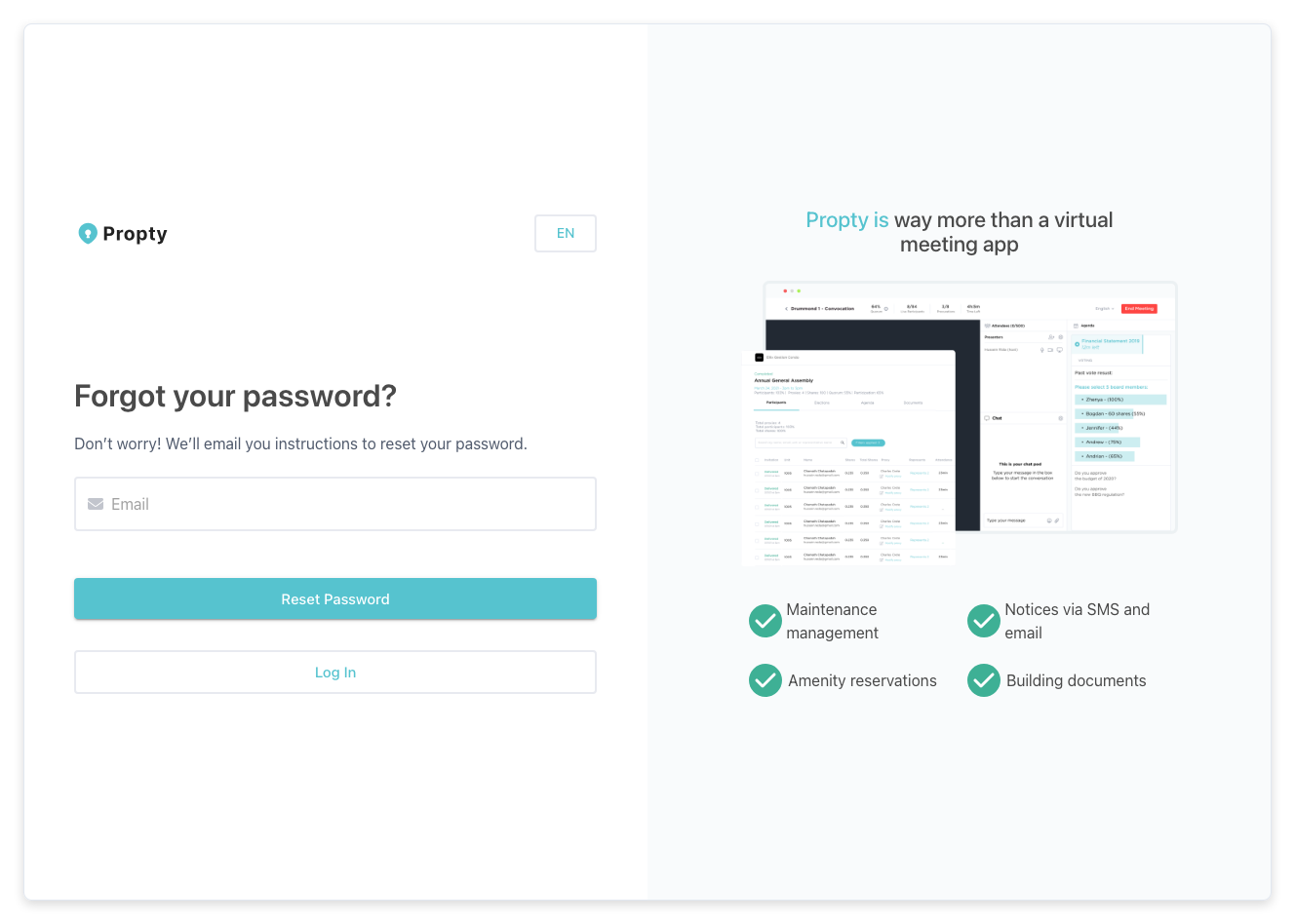
4. Submit Your Email
On the password reset page, enter your email address and click the Submit button. You will see a confirmation message.
5. Check Your Email
Open your email inbox and look for a message from Propty with the subject "Reset your password" (or similar). This email contains a link to set a new password.
If you don't see the email within a few minutes, check your spam or junk folder.
6. Set a New Password
Click the link in the email. You will be taken to a page where you can enter a new password. Choose a strong password and click Save (or Reset Password).
7. Log In with Your New Password
After resetting your password, go back to the login page at app.propty.io/login, enter your email and new password, and click Log in.
You will see a success message confirming your password was reset.
Troubleshooting
I didn't receive the reset email
- Check your spam or junk folder
- Make sure you entered the correct email address — the same one you used to sign up
- Wait a few minutes and try again
- If you still don't receive it, contact your property manager for assistance
The reset link says it's expired
Password reset links expire after a limited time. Go back to the forgot password page and request a new link.
I don't remember which email I used
Contact your property manager. They can look up the email address associated with your account.
I'm a portal-only resident and don't have a password
Portal-only residents log in using a magic link sent to their email. You don't need a password. Enter your email on the login page and a sign-in link will be sent to your inbox automatically. See Regain Account Access for more details.