Access Property Documents
Your property manager may share important documents with you through the portal — such as CC&Rs, bylaws, financial reports, meeting minutes, and community guidelines. You can view and download these documents at any time.
What You'll Need
- A Propty resident account with access to the portal
- Documents shared by your property manager
Steps
1. Log In to the Portal
Go to app.propty.io and log in with your email address.
2. Open Documents
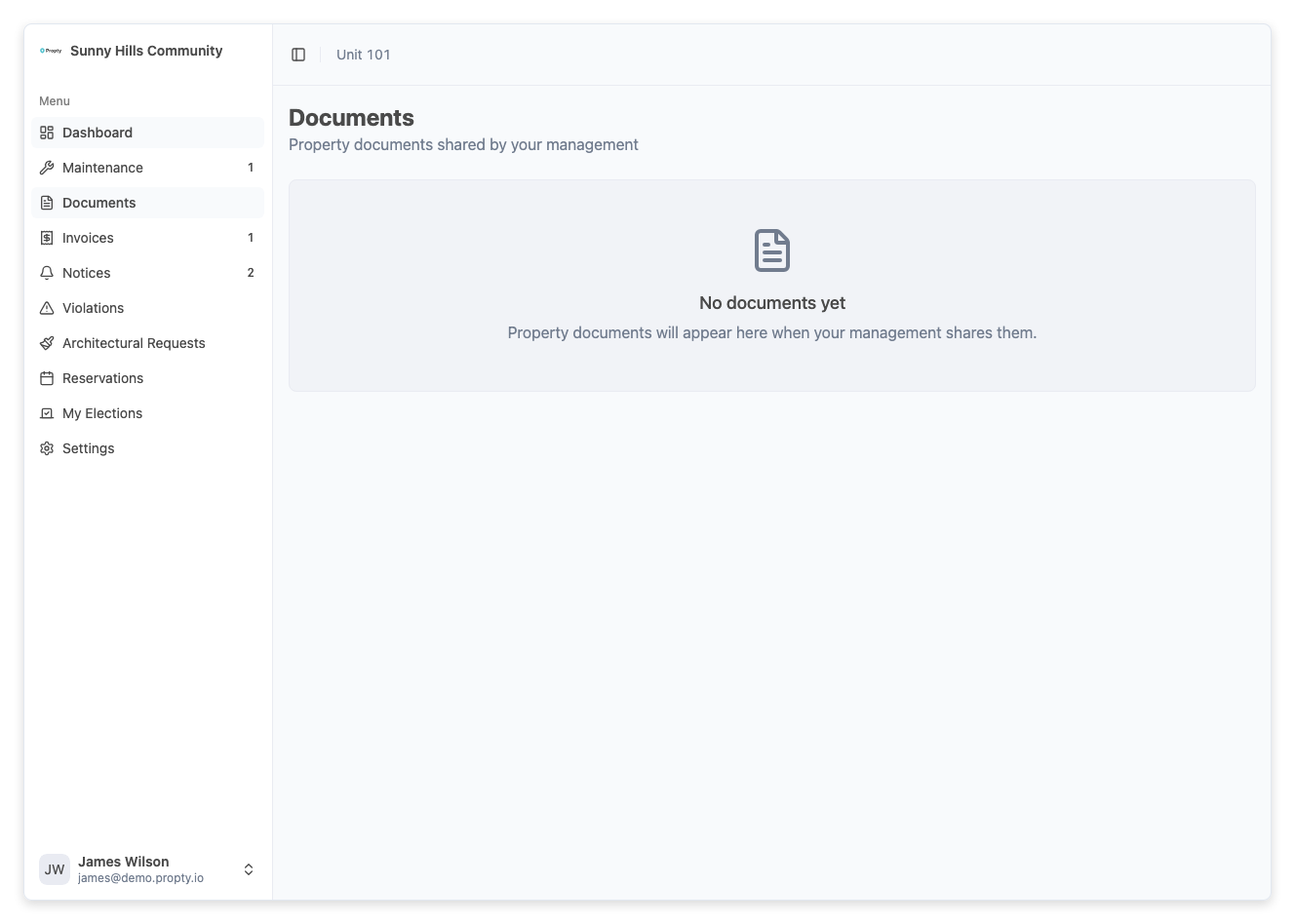
From the portal sidebar, click Documents. You will see a list of all documents shared with you by your property manager.
3. Browse Documents
Documents may be organized into folders or categories. Common categories include:
- Governing documents — CC&Rs, bylaws, rules and regulations
- Financial reports — Budgets, reserve studies, audit reports
- Meeting materials — Agendas, meeting minutes, proxy forms
- Community info — Newsletters, contact directories, emergency procedures
4. Download a Document
Click on a document to preview it, or click the Download button to save it to your device. Documents are typically in PDF format.
Troubleshooting
I don't see any documents
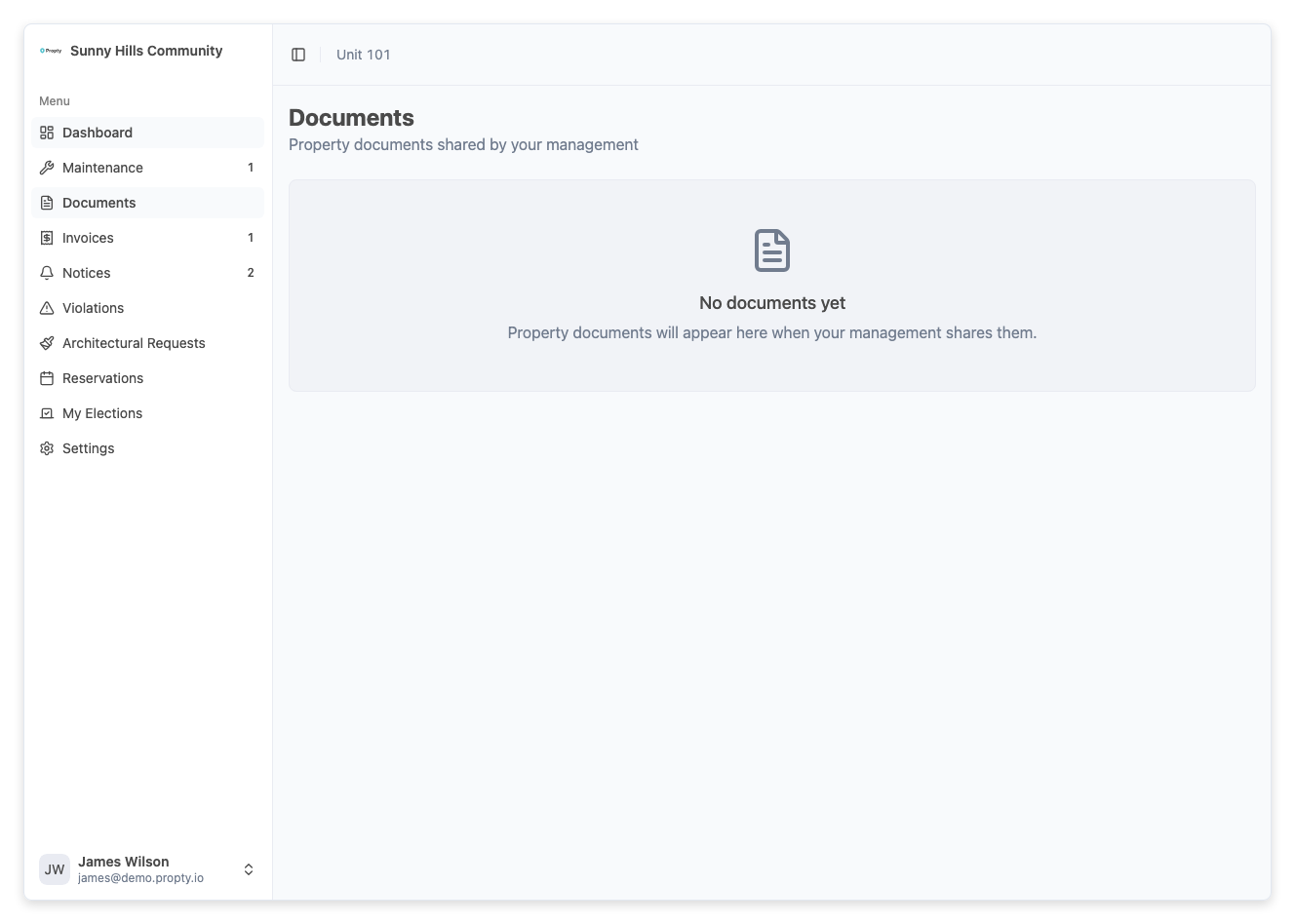
If the documents page is empty, your property manager has not shared any documents with you yet. Reach out to your property manager if you need specific documents.
I can't open a downloaded file
Make sure you have a PDF reader installed on your device. Most computers and phones come with one built in. If the file seems corrupted, try downloading it again.
I need a document that isn't listed
Contact your property manager directly and request the document. They can upload it to the portal for you and other residents to access.
The document is outdated
If you notice a document is outdated, let your property manager know so they can upload a current version.