Regain Account Access
If you are unable to log in to your Propty account, follow the steps below based on your situation.
Situation 1: You Forgot Your Password
If you are a property manager or a resident who logs in with a password:
- Go to app.propty.io/login
- Enter your email address and click Continue
- On the password screen, click Forgot your password?
- Enter your email and click Submit
- Check your email for a password reset link
- Click the link and create a new password
For detailed steps, see Reset Your Password.
Situation 2: You Are a Portal-Only Resident
Portal-only residents (typically those invited by a property manager) do not use a password. Instead, you sign in with a magic link:
- Go to app.propty.io/login
- Enter your email address and click Continue
- Propty will automatically detect that you use magic link sign-in and send a link to your email
- Open your email and click the Sign In link
- You will be logged in automatically
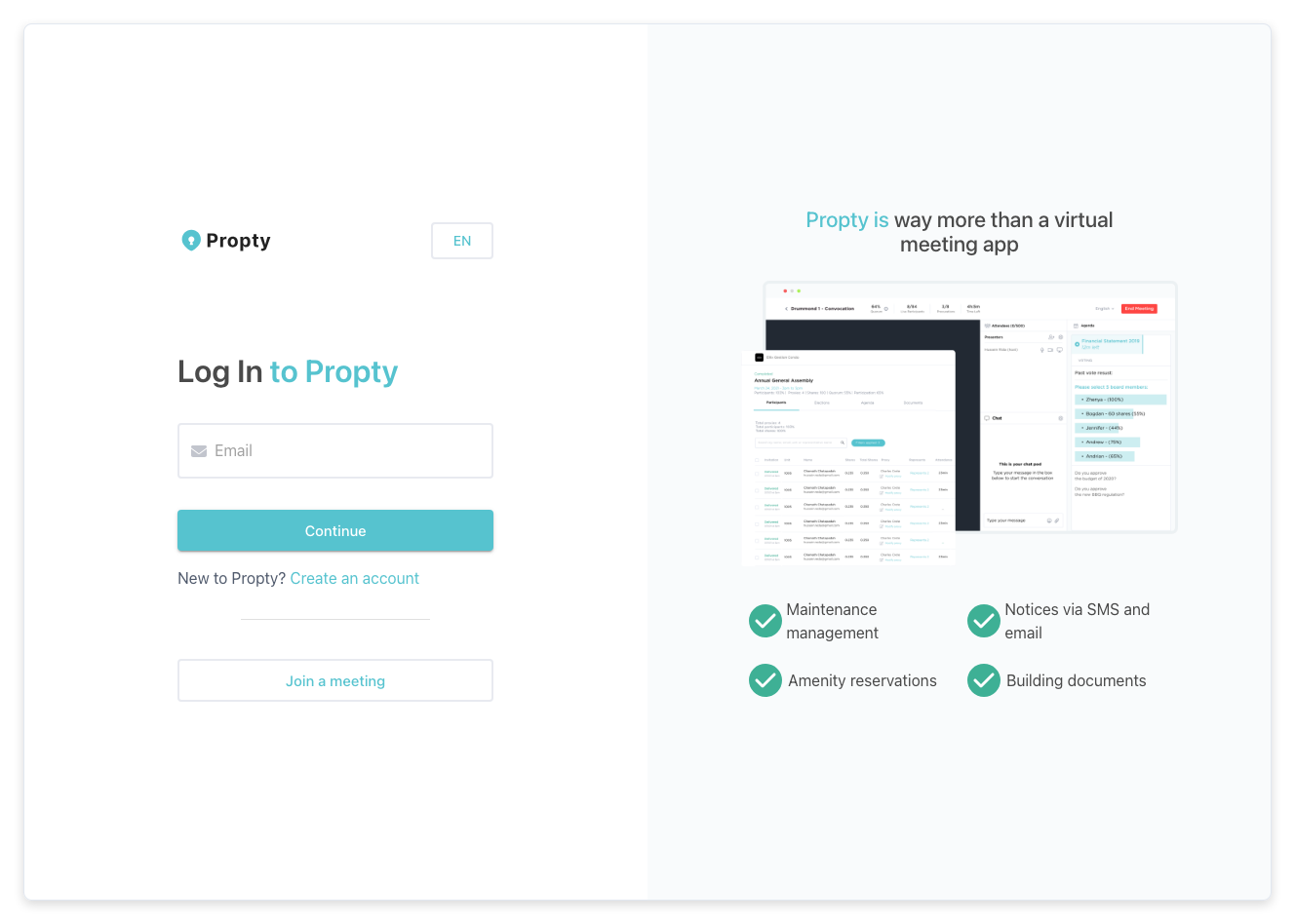
Magic links expire after a short time. If the link has expired, go back to the login page and request a new one.
Situation 3: You Don't Receive the Magic Link or Reset Email
If emails from Propty are not arriving:
- Check your spam/junk folder — Email providers sometimes filter automated emails
- Verify your email address — Make sure you are entering the exact email your property manager used to invite you
- Wait a few minutes — Email delivery can sometimes be delayed
- Try again — Go back to the login page and request a new magic link or reset email
- Contact your property manager — They can verify the email address on your account and resend your invitation if needed
Situation 4: Your Account Was Deactivated
If you see a message that your account has been deactivated or you no longer have access:
- Your property manager may have changed your resident status (for example, if you moved out)
- Contact your property manager to discuss restoring your access
Situation 5: You Don't Know Your Email Address
If you are unsure which email address is linked to your Propty account:
- Contact your property manager — they can look up the email associated with your resident profile
- Check your email inbox for any previous emails from Propty to find the correct address
Troubleshooting
The login page is not loading
- Try a different web browser (Chrome, Firefox, Safari, or Edge)
- Clear your browser's cache and cookies
- Check your internet connection
- Try accessing the page in a private/incognito browser window
I keep getting "Invalid email" or "No account found"
- Double-check for typos in your email address
- Make sure you are using the same email your property manager set up for you
- Contact your property manager to confirm your account exists
I can log in but can't see my property
- You may have access to multiple properties — use the property selector to switch between them
- Your property manager may need to re-assign you to the property
- Contact your property manager for help
I need immediate help
Contact your property manager directly by phone or email. They have the ability to manage your account access from the admin dashboard.