Track Your Maintenance Requests
After submitting a maintenance request, you can check its status, view updates from your property manager, and communicate about the issue — all from the resident portal.
What You'll Need
- A Propty resident account with access to the portal
- At least one submitted maintenance request
Steps
1. Open Your Requests
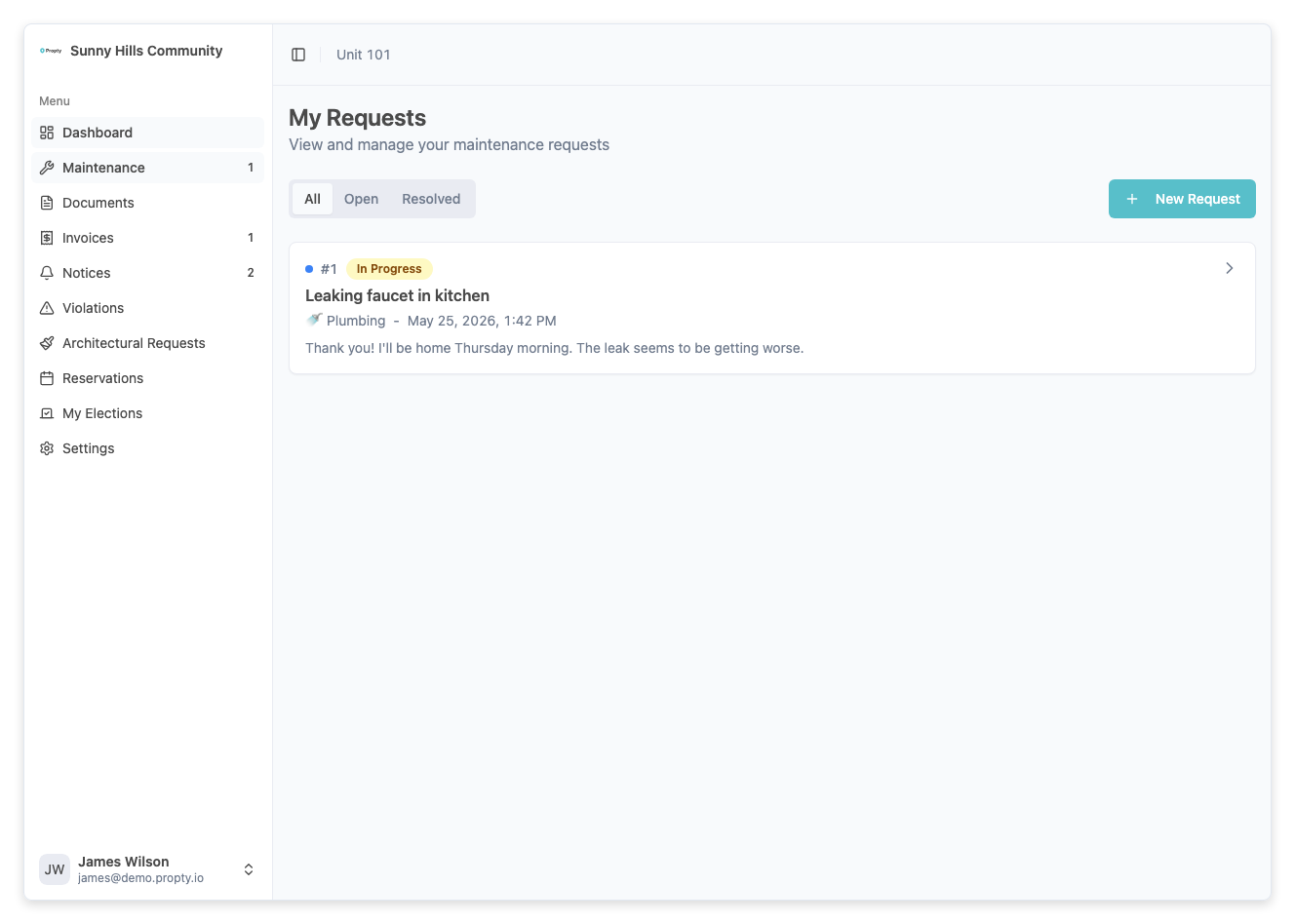
Log in to the portal at app.propty.io and click Requests in the sidebar. You will see a list of all your maintenance requests.
2. Understand Request Statuses
Each request shows a colored status badge:
| Status | Color | Meaning |
|---|---|---|
| New | Blue | Your request was received and is waiting to be reviewed |
| In Progress | Yellow | A team member is actively working on your issue |
| Pending | Orange | The team is waiting for something (parts, scheduling, your input) |
| Closed | Gray | The issue has been resolved |
3. View Request Details
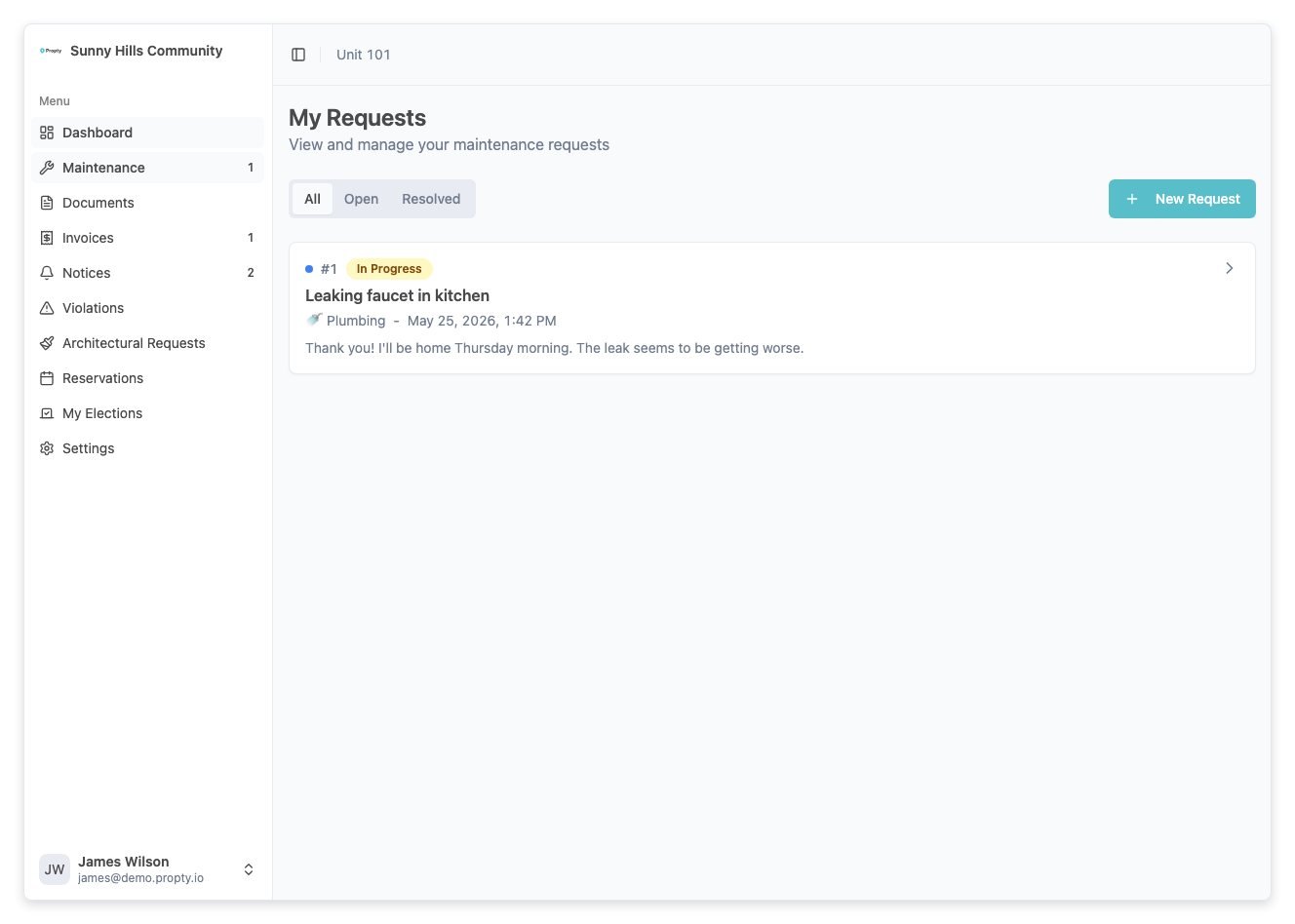
Click on any request to see its full details, including:
- Request number — A unique reference number (e.g., #1042)
- Title and description — What you originally reported
- Status and priority — Current status and the priority level assigned by your property manager
- Timeline — A chronological log of all activity on the request
4. Read the Activity Timeline
The timeline shows every update on your request in order:
- Messages from staff — Replies and updates from your property manager or maintenance team
- Messages from you — Your messages and replies
- Status changes — When the request moved from one status to another (e.g., from New to In Progress)
- Assignment updates — When a team member was assigned to your request
5. Send a Message
If you need to provide additional information or ask a question about your request, use the message box at the bottom of the request detail page. Type your message and click Send.
6. Check Priority Levels
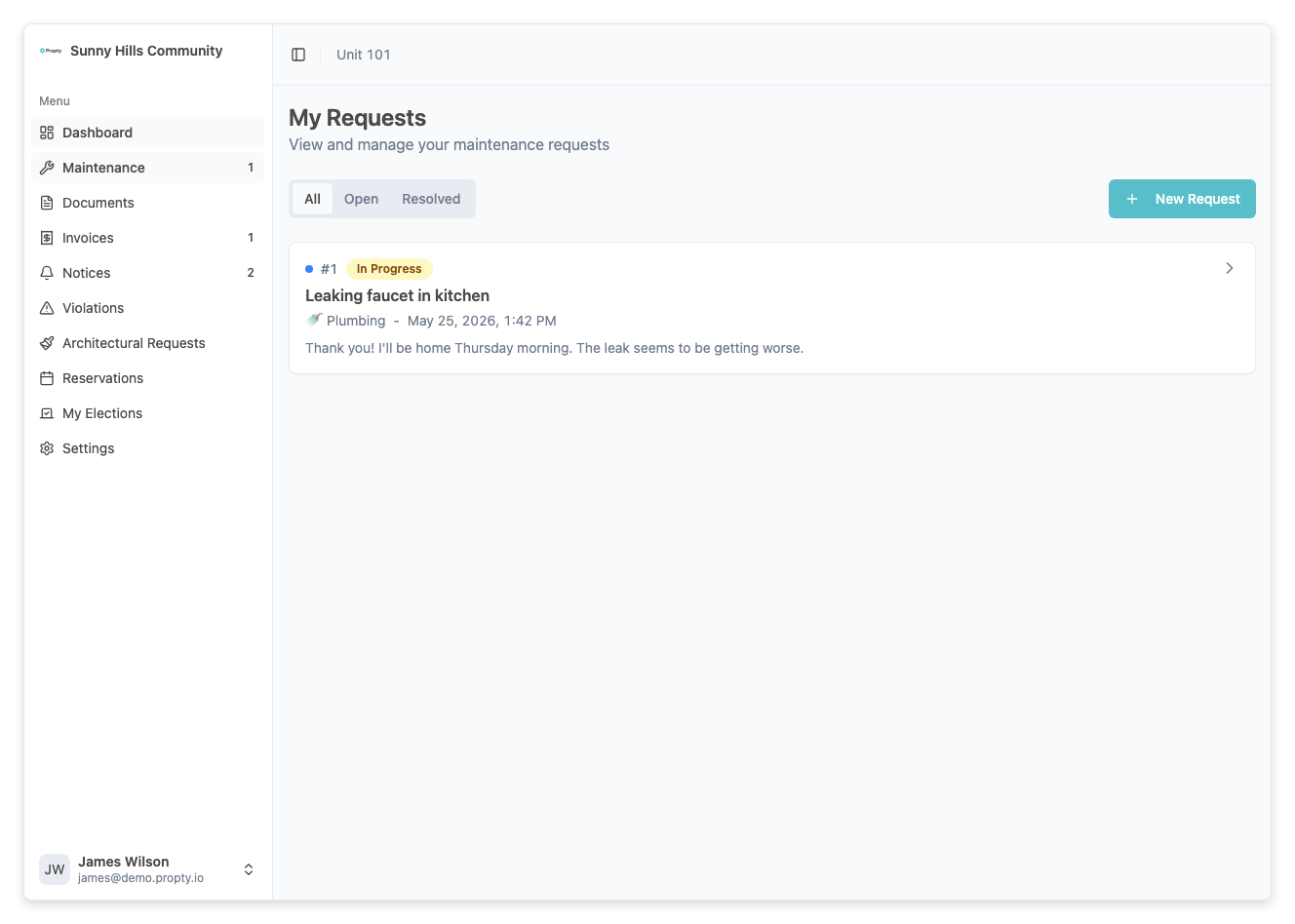
Your property manager may assign a priority to your request:
| Priority | Color | Meaning |
|---|---|---|
| Low | Gray | Non-urgent issue, will be addressed in due course |
| Medium | Blue | Standard priority |
| High | Orange | Important issue needing prompt attention |
| Urgent | Red | Critical issue requiring immediate action |
Troubleshooting
My request has been "New" for a long time
Your property manager may have a backlog. If your issue is urgent, send a message on the request to follow up, or contact your property manager directly.
I want to add more information to my request
Open the request detail page and use the message box to send additional details, photos, or updates.
My request was closed but the issue isn't fixed
Send a message on the closed request explaining that the issue persists. Your property manager can reopen the request.
I can't see my old requests
All requests remain visible in your list, including closed ones. Scroll down or check if any filters are applied that might be hiding older requests.