Create Your Propty Account
Set up your Propty account so you can manage properties or access your resident portal.
- A valid email address
- A password you'll remember (at least 8 characters)
- Your organization or community name (if you are a property manager)
For Property Managers and HOA Administrators
Follow these steps to create an account and set up your organization.
Step 1: Open the registration page
Go to app.propty.io/register in your web browser.
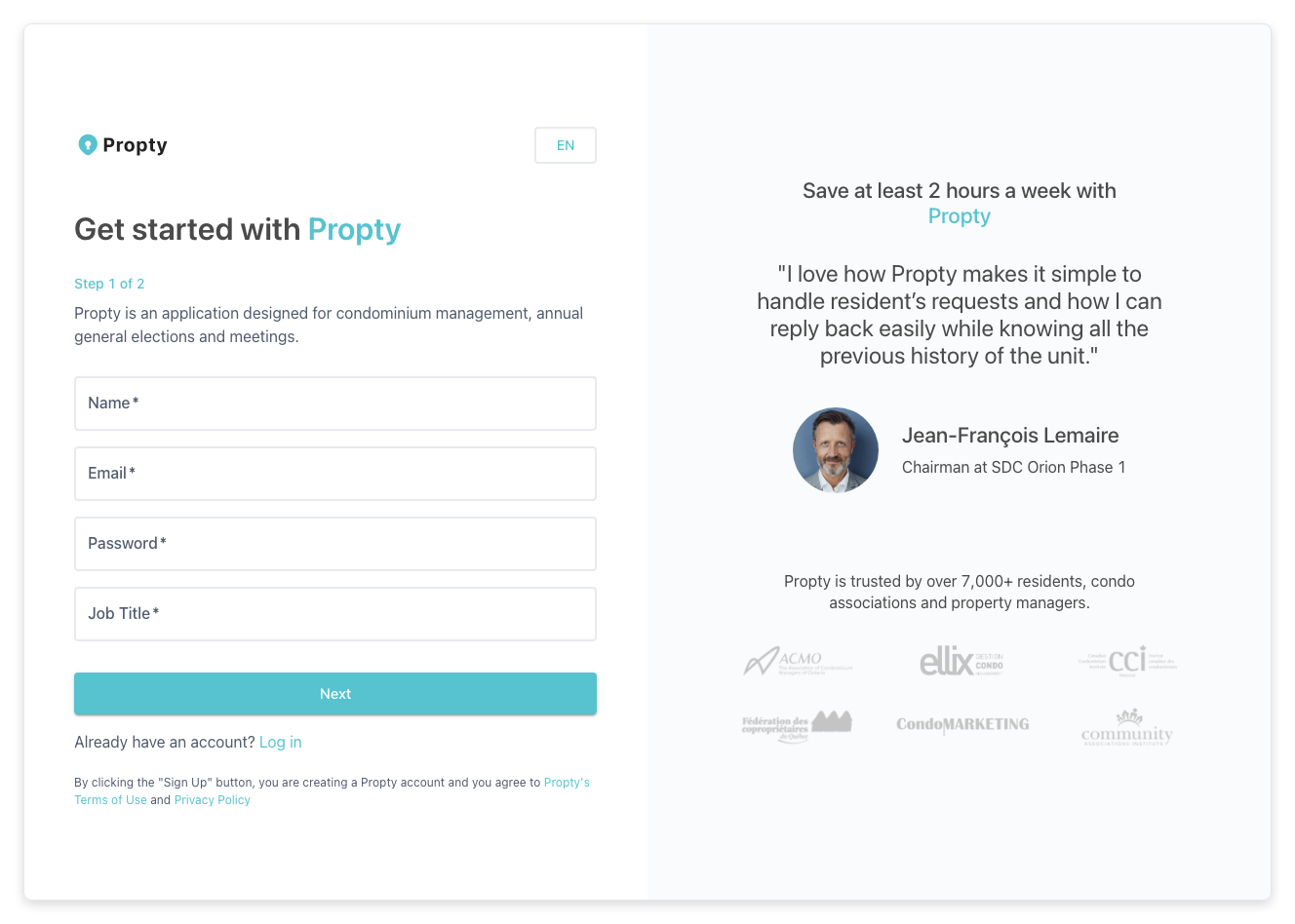
Step 2: Enter your personal information
Fill in the following fields:
- Name — Your full name.
- Email — The email address you want to use for your account.
- Password — Choose a strong password. A strength indicator will appear as you type.
- Role — Your title or position (for example, "Property Manager" or "Board President").
Click Next when you are done.
Step 3: Choose how you will use Propty
You will see two options:
- Self-Managed HOA — Choose this if you are a board member or community volunteer managing your own HOA or condo association.
- Property Manager — Choose this if you manage properties on behalf of others (a management company).
Click the option that best describes your situation.
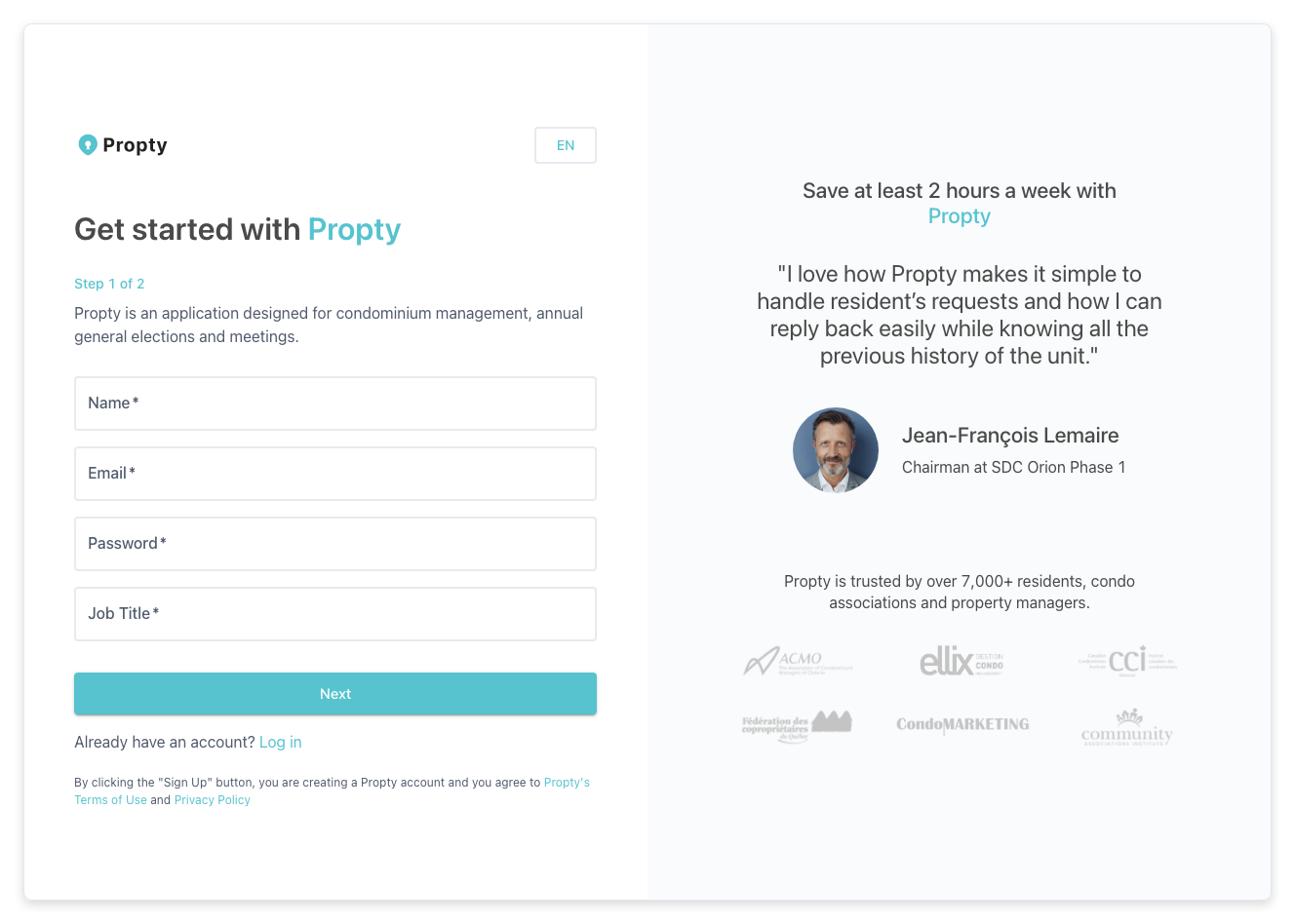
Step 4: Enter your organization details
Depending on the option you selected:
If you chose Self-Managed HOA:
- Property Name — The name of your community (for example, "Sunny Hills HOA").
- Address — The street address of the property.
- City and State — The city and state/province.
- Postal Code — Your ZIP or postal code.
If you chose Property Manager:
- Organization Name — The name of your management company.
- Number of Units Managed — An approximate count of units you manage.
Step 5: Upload a logo (optional)
You can drag and drop your organization's logo into the upload area. This logo will appear in emails and documents sent to residents. You can skip this step and add a logo later.
Step 6: Complete registration
Click the Register button. You will be taken to the next step where you can invite team members to your organization.
You can skip inviting team members for now and do it later from Settings.
For Residents
Residents do not create accounts on their own. Your property manager will send you an invitation email with a link to activate your account.
If you received an invitation:
- Open the email from Propty.
- Click the Activate My Account button.
- Follow the on-screen instructions.
If you have not received an invitation, contact your property manager or HOA administrator and ask them to invite you through Propty.
Troubleshooting
| Problem | Solution |
|---|---|
| "Email already registered" error | You may already have an account. Try logging in at app.propty.io/login or reset your password. |
| Password strength too weak | Use a mix of uppercase letters, lowercase letters, numbers, and symbols. Aim for at least 8 characters. |
| Registration page won't load | Try clearing your browser cache or using a different browser (Chrome, Firefox, or Safari). |
| Invitation link expired | Ask your property manager to resend the invitation from the Residents page. |