Log In to Your Account
Propty supports two login methods: password-based login for property managers and magic link login for residents. The system will automatically detect which method to use based on your email address.
- The email address you used when your account was created
- Your password (if you are a property manager) or access to your email inbox (if you are a resident)
For Property Managers and Administrators
Step 1: Go to the login page
Open app.propty.io/login in your web browser.
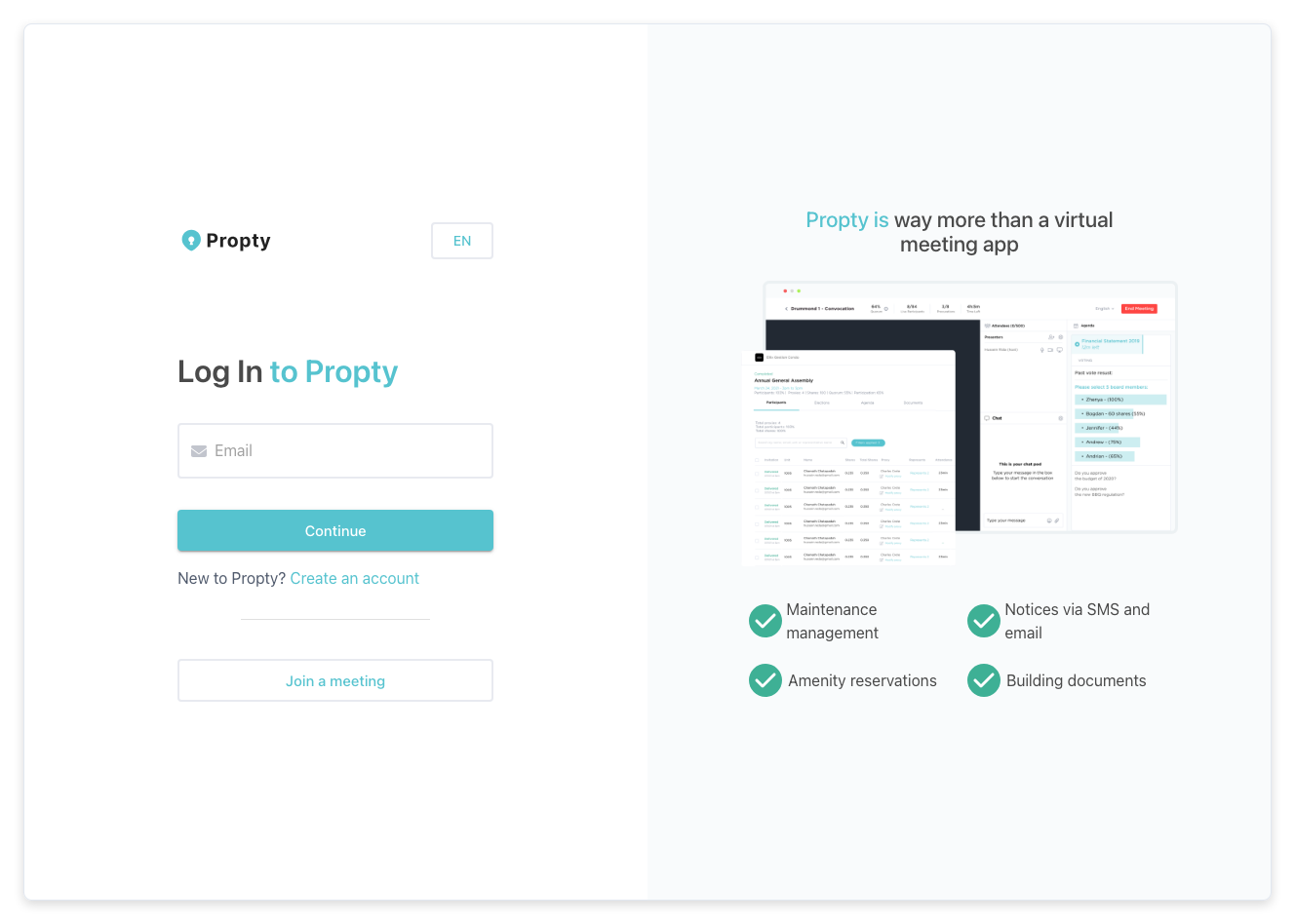
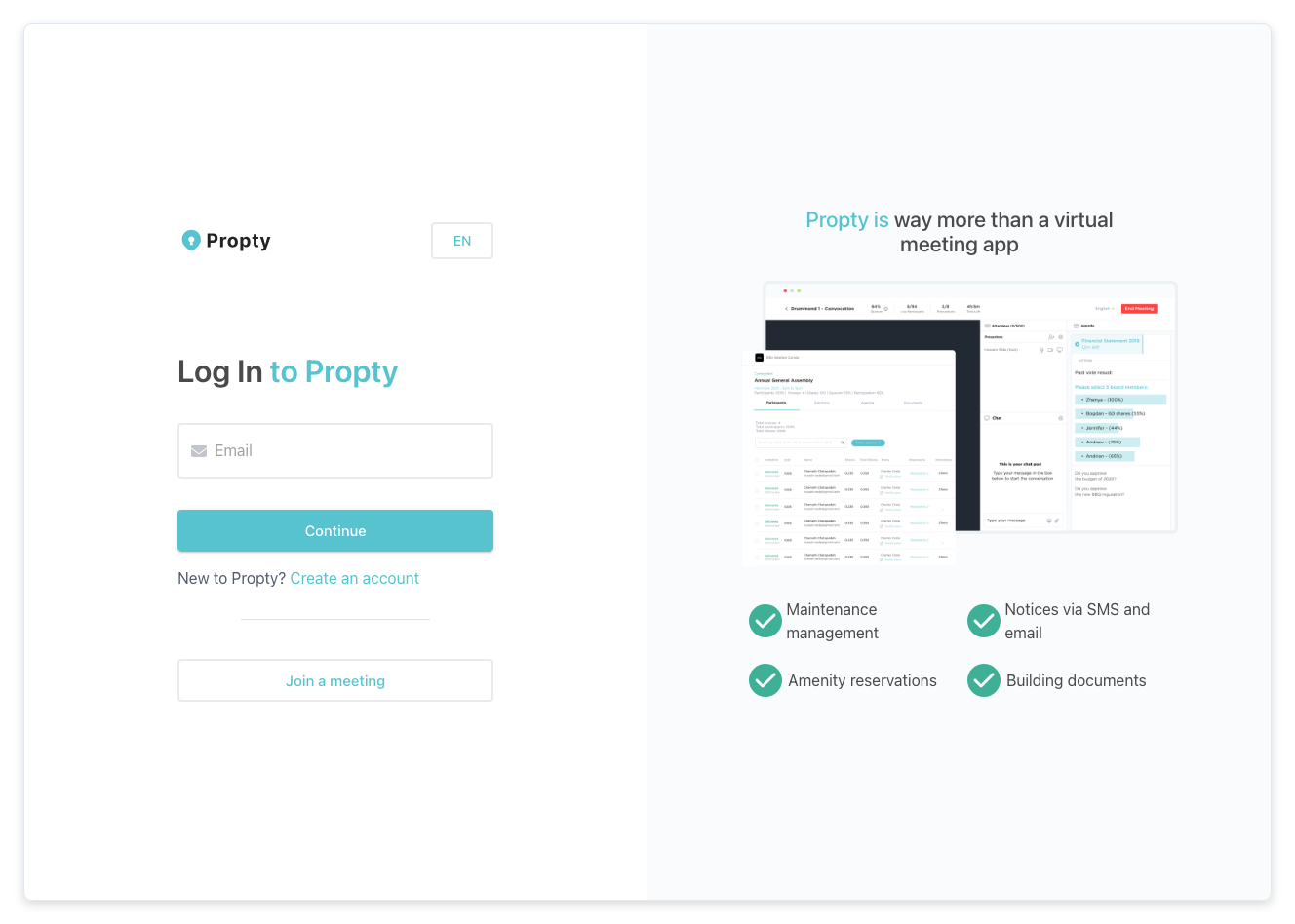
Step 2: Enter your email address
Type your email address in the Email field and click Continue.
Step 3: Enter your password
The system will recognize that your account uses a password. You will see a password field appear.
- Type your password.
- Click the Login button.
You will be taken to your dashboard.
Forgot your password?
If you don't remember your password:
- On the password step, click Reset password (below the password field).
- Enter your email address on the reset page.
- Check your inbox for a password reset email.
- Click the link in the email to set a new password.
For Residents (Magic Link Login)
Residents typically log in using a magic link — a special one-time link sent to your email. No password needed.
Step 1: Go to the resident portal login
Open app.propty.io/portal/login in your web browser.
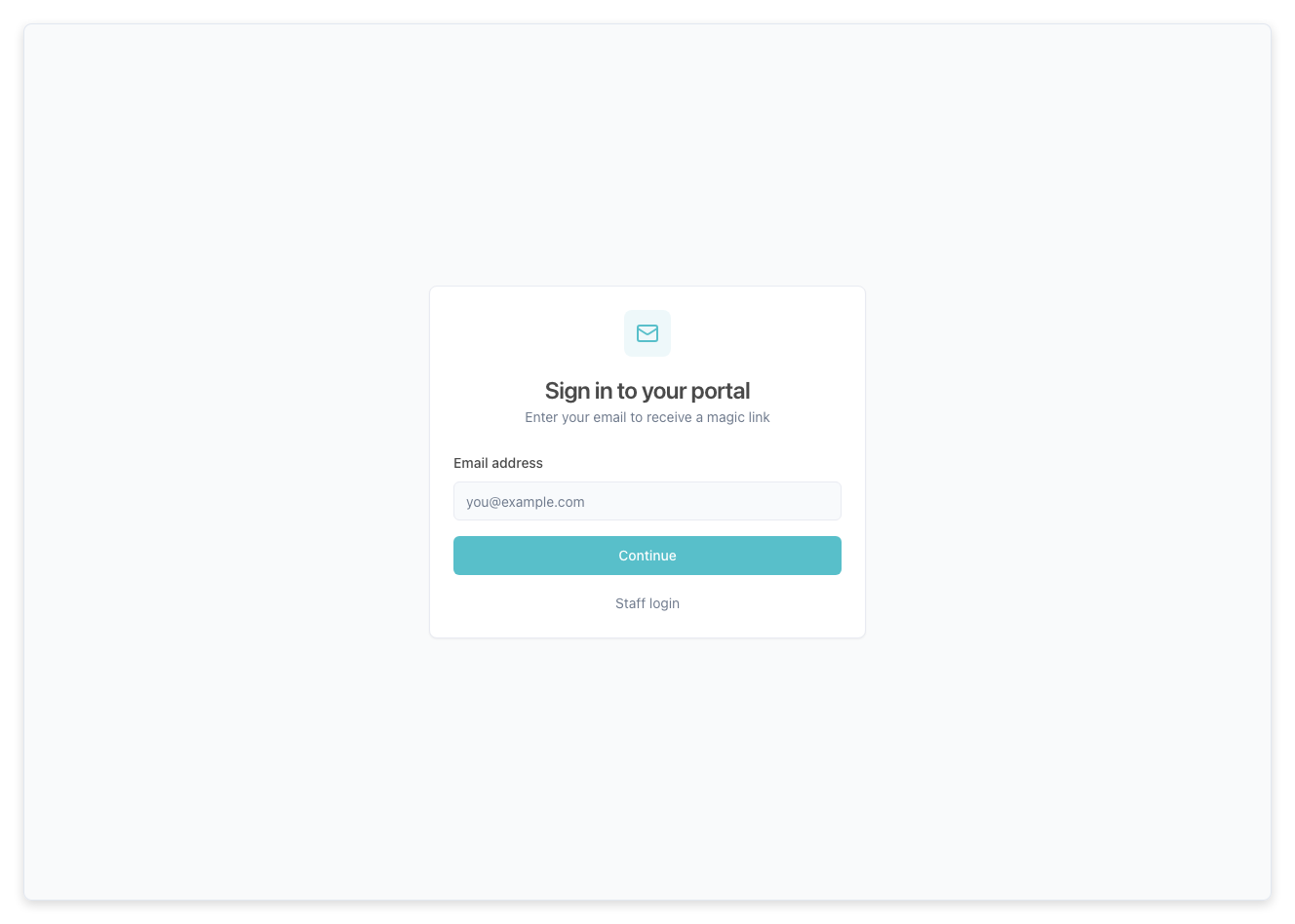
Step 2: Enter your email address
Type the email address your property manager used when they added you as a resident. Click Continue.
Step 3: Check your email
Propty will send you a login link. Open your email inbox and look for a message from Propty.
- Open the email.
- Click the login link in the email.
- You will be taken directly to your resident portal — no password required.
The link expires after a few minutes for security. If it expires, go back to the login page and request a new one.
Troubleshooting
| Problem | Solution |
|---|---|
| "Invalid credentials" error | Double-check your email and password. Passwords are case-sensitive. |
| Magic link not arriving | Check your spam/junk folder. If it's not there, wait a minute and try again. |
| Magic link expired | Go back to the login page and enter your email again to get a new link. |
| Don't know which login to use | Property managers use app.propty.io/login. Residents use app.propty.io/portal/login. |
| Account locked | Contact your property manager or email support for help. |