Assign a Resident to a Unit
Assigning a resident to a unit connects a person to a specific apartment, condo, or space in your property. This determines which unit their invoices, notices, and other communications are linked to.
- At least one unit and one resident in your property
- Manager access to the property
Assign During Resident Creation
The simplest way to assign a resident to a unit is when you first add them.
Step 1: Open the Add Resident dialog
On the Residents page, click Add Resident.
Step 2: Select a unit
In the Unit dropdown, choose the unit you want to assign this resident to. The dropdown lists all units in the property along with their building name (if applicable).
Step 3: Complete the form and save
Fill in the rest of the resident's details and click Add Resident.
Assign or Reassign an Existing Resident
If a resident was added without a unit, or if they are moving to a different unit:
Step 1: Go to the Residents page
Navigate to your property and click Residents in the sidebar.
Step 2: Open the resident's edit panel
Click the three-dot menu (...) on the right side of the resident's row and select Edit.
A panel will slide in from the right showing the resident's full details.
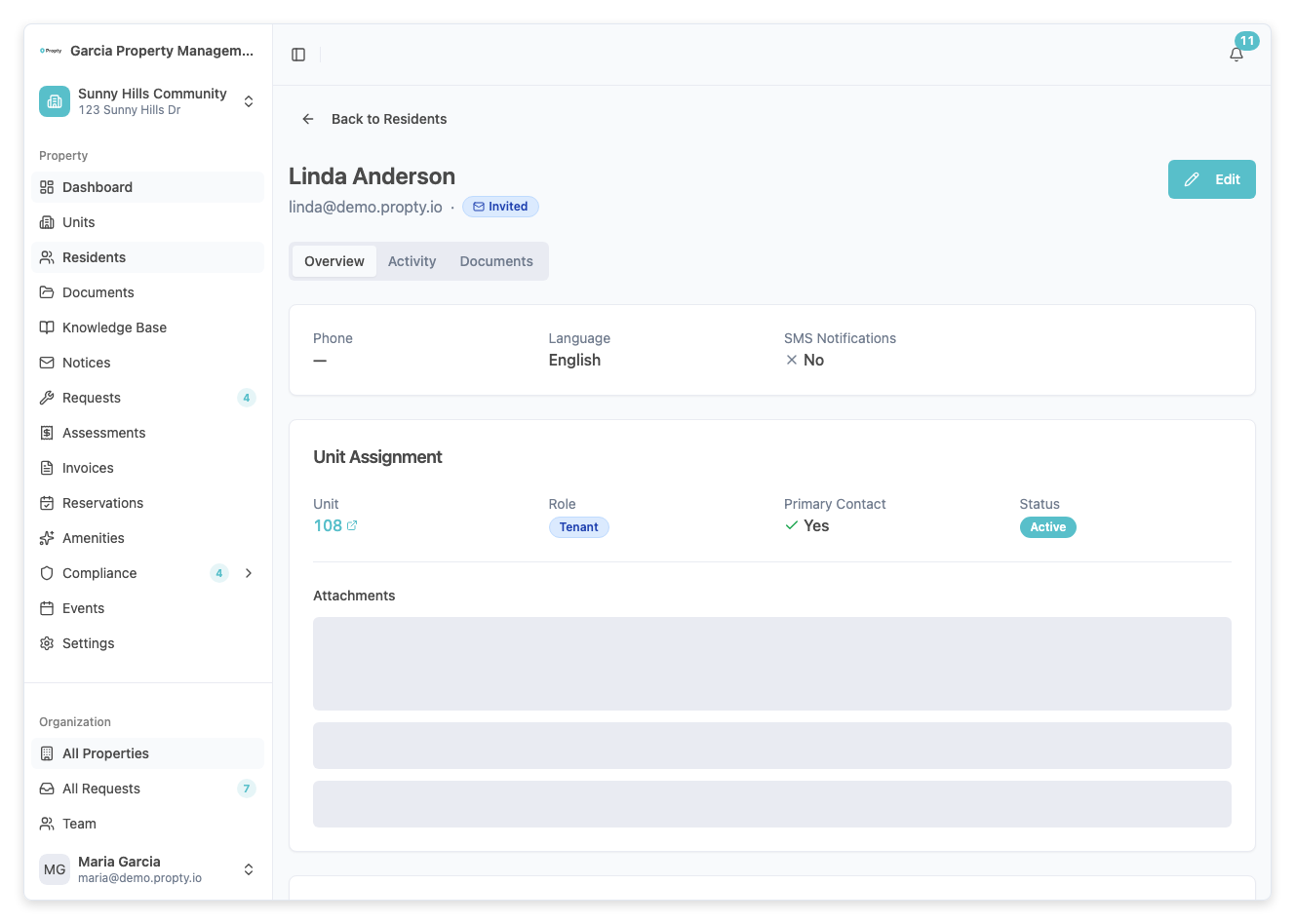
Step 3: Change the unit assignment
Find the Unit field in the edit panel. Click the dropdown and select the new unit.
Step 4: Save your changes
Click Save at the bottom of the panel. The resident's unit assignment will be updated immediately.
Assign from the Unit Detail Page
You can also assign residents by starting from the unit:
Step 1: Go to the Units page
Click Units in the sidebar.
Step 2: Click on a unit
Click the unit number to open the unit detail page.
Step 3: Add a resident to the unit
On the unit detail page, click Add Resident. The Add Resident dialog will open with the unit pre-selected.
Fill in the resident's details and click Add Resident.
Multiple Residents Per Unit
A unit can have multiple residents assigned to it. This is common for:
- Co-owners — Two people who jointly own a unit.
- Owner and tenant — The owner of record and their tenant.
- Family members — An owner and family members listed as occupants.
There is no limit to the number of residents per unit. Use the Primary toggle in the resident's edit panel to mark which resident is the primary contact for that unit.
Troubleshooting
| Problem | Solution |
|---|---|
| Can't find the unit in the dropdown | The unit must be created first. Go to the Units page and add it. |
| Resident shows "No unit assigned" | Edit the resident and select a unit from the dropdown. |
| Need to remove a resident from a unit | Edit the resident and clear the unit field, or delete the resident if they have moved out. |
| Unit still shows as "Vacant" after assignment | Refresh the page. The status updates automatically when residents are assigned. |