Make a Partial Payment
If you cannot pay the full amount of an invoice right away, you can make a partial payment. The remaining balance will stay on the invoice until you pay it in full.
What You'll Need
- A Propty resident account with access to the portal
- An open invoice with an outstanding balance
- A valid payment method (card or bank account)
Steps
1. Log In to the Portal
Go to app.propty.io and log in with your email address.
2. Open Your Invoices
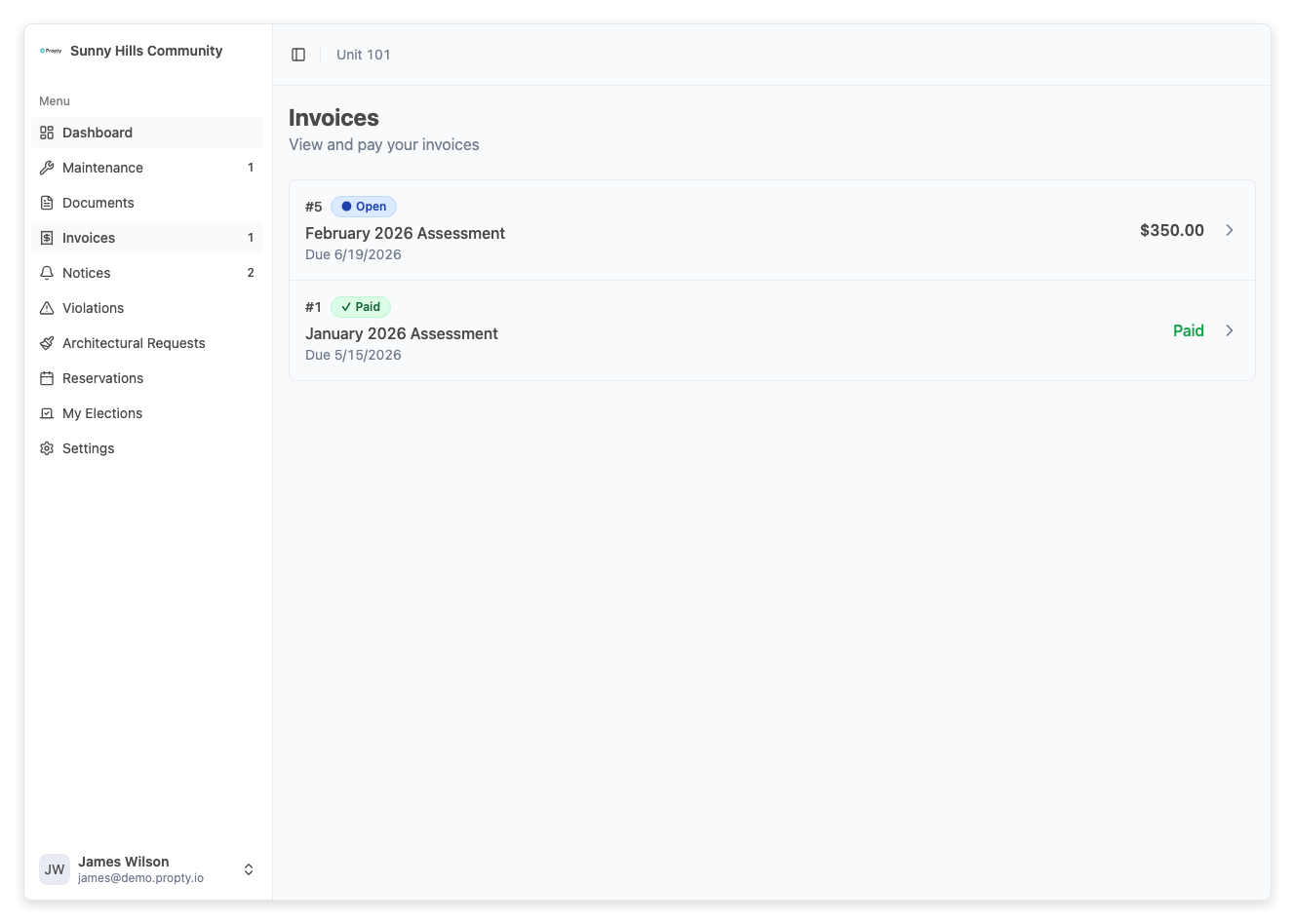
From the portal sidebar, click Invoices. You will see a list of your invoices with their statuses and amounts.
3. Open the Invoice
Click on the invoice you want to make a partial payment for. The invoice detail page will show the full amount, any previous payments, and the remaining balance.
4. Click "Pay"
Click the Pay button on the invoice detail page. The payment form will appear.
5. Enter a Partial Amount
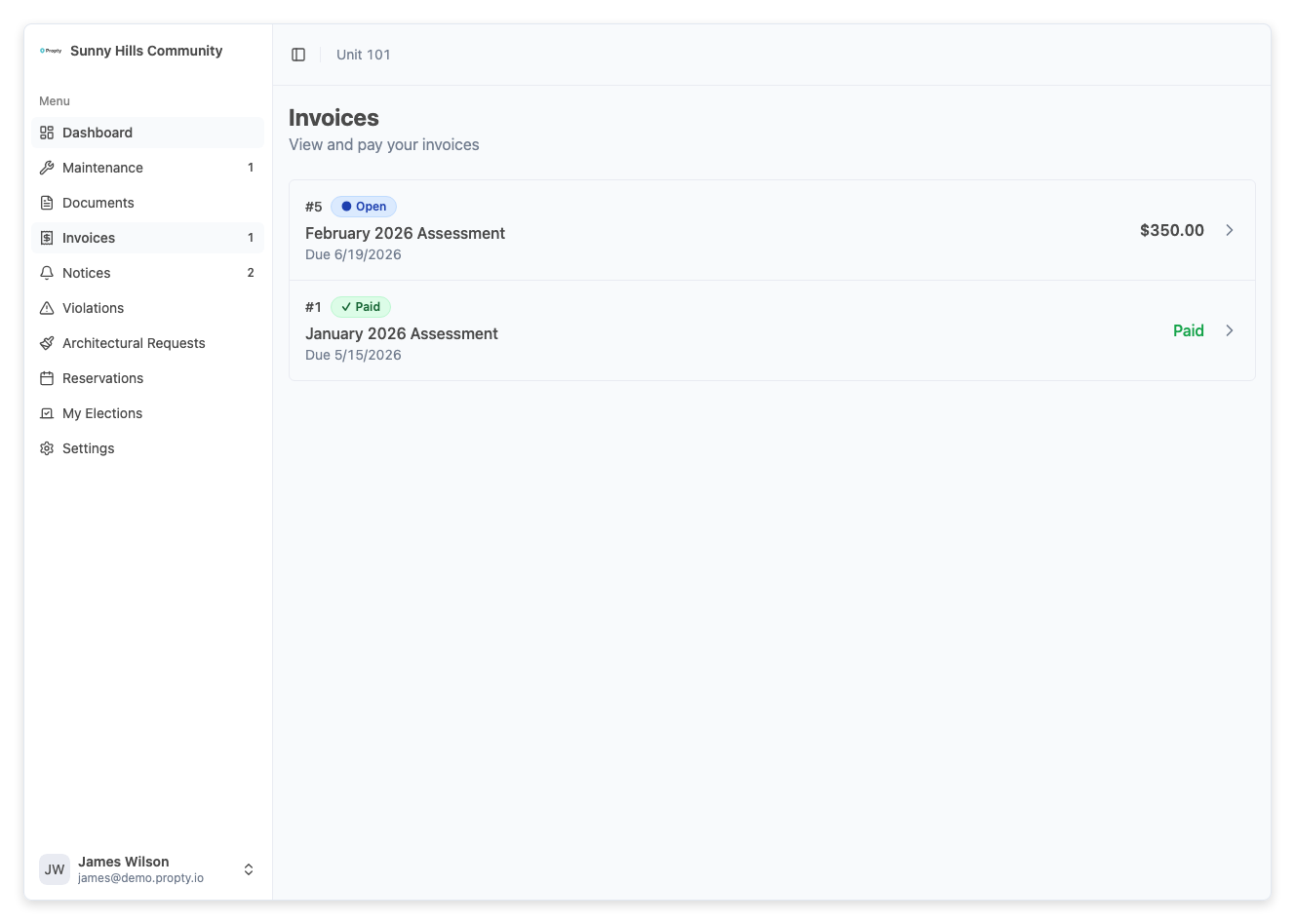
In the Amount field, type the amount you want to pay. This can be any amount between $1 and the remaining balance. You do not need to pay the full amount.
6. Complete the Payment
Select your payment method (or enter new card details) and click Pay. You will see a confirmation when the payment is processed.
What Happens Next
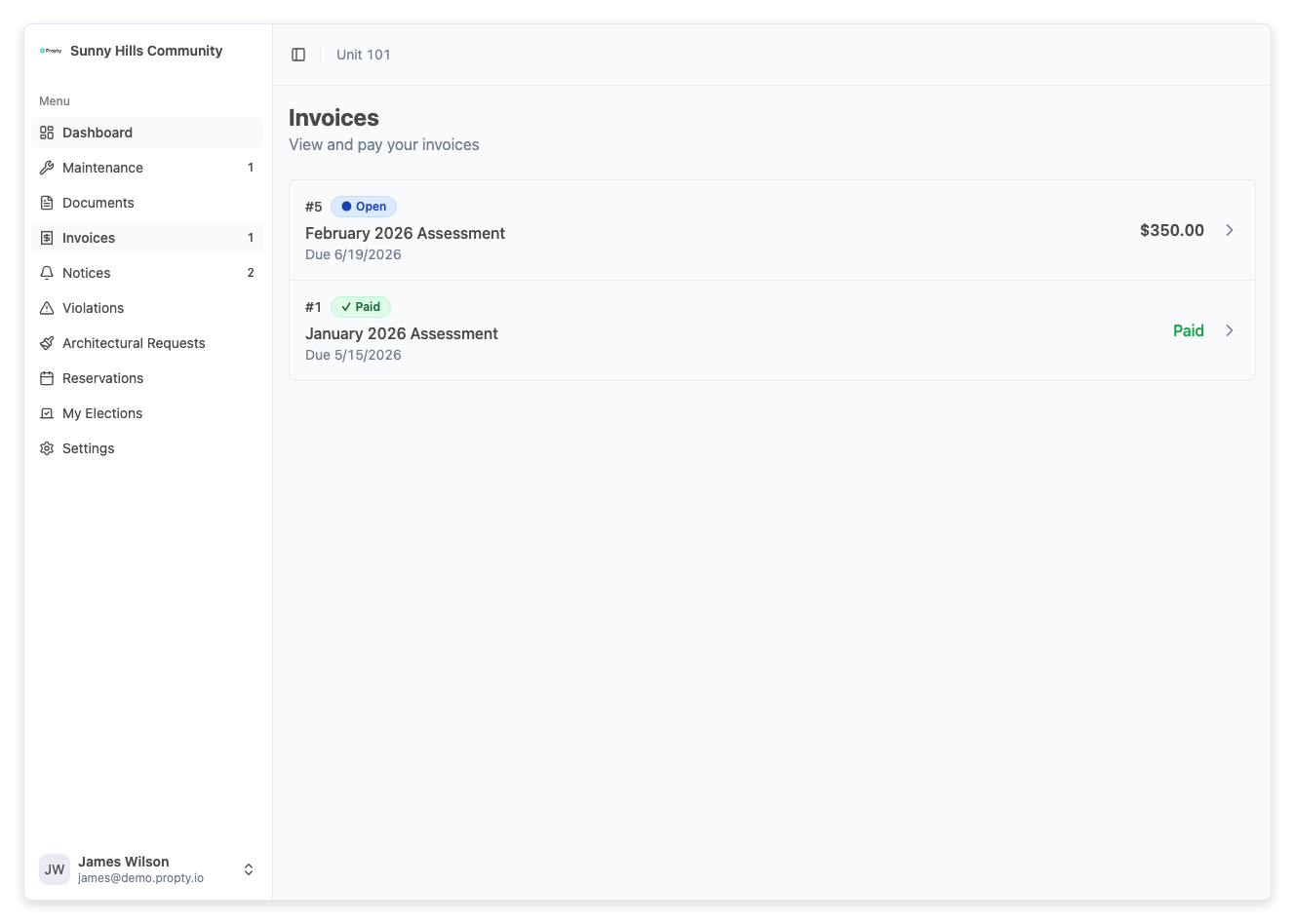
- Your payment is recorded immediately
- The invoice balance is reduced by the amount you paid
- The invoice remains Open until the full balance is paid
- You can make additional partial payments at any time
- Your property manager can see all payments in the invoice's payment history
Troubleshooting
I can't enter a custom amount
- Not all properties allow partial payments. If the amount field only shows the full balance, contact your property manager to ask about partial payment options.
My payment was declined
- Verify your card details are correct and up to date.
- Make sure you have sufficient funds.
- Try a different payment method if available.
I overpaid by accident
- Contact your property manager to request a refund for the overpayment. They can process refunds for card payments through Propty.
The balance didn't update after my payment
- Payments may take a moment to process. Refresh the page after a few seconds. If the balance still hasn't changed, the payment may have failed — check your payment method details.