Void an Invoice
Voiding an invoice permanently marks it as cancelled. The invoice will no longer appear as collectible, and the resident will no longer see an outstanding balance for it. Use this when an invoice was created in error or is no longer needed.
- A Propty account with Property Manager or Property Admin access
- An invoice that is in Draft, Open, or Overdue status
Steps
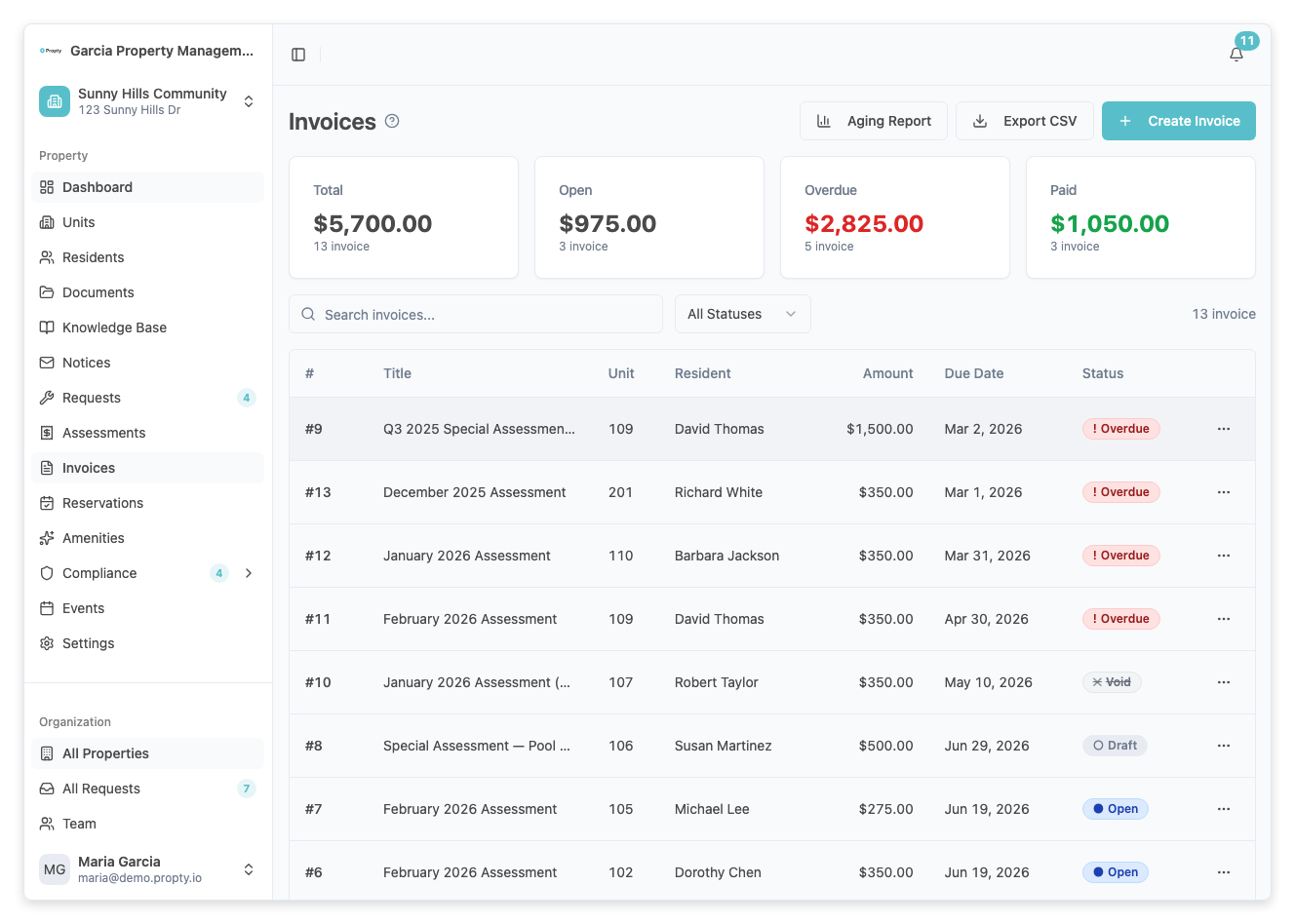
1. Open the invoice
From the Invoices page, click on the invoice you want to void. You will see the invoice detail page with the invoice number, status, and payment summary.
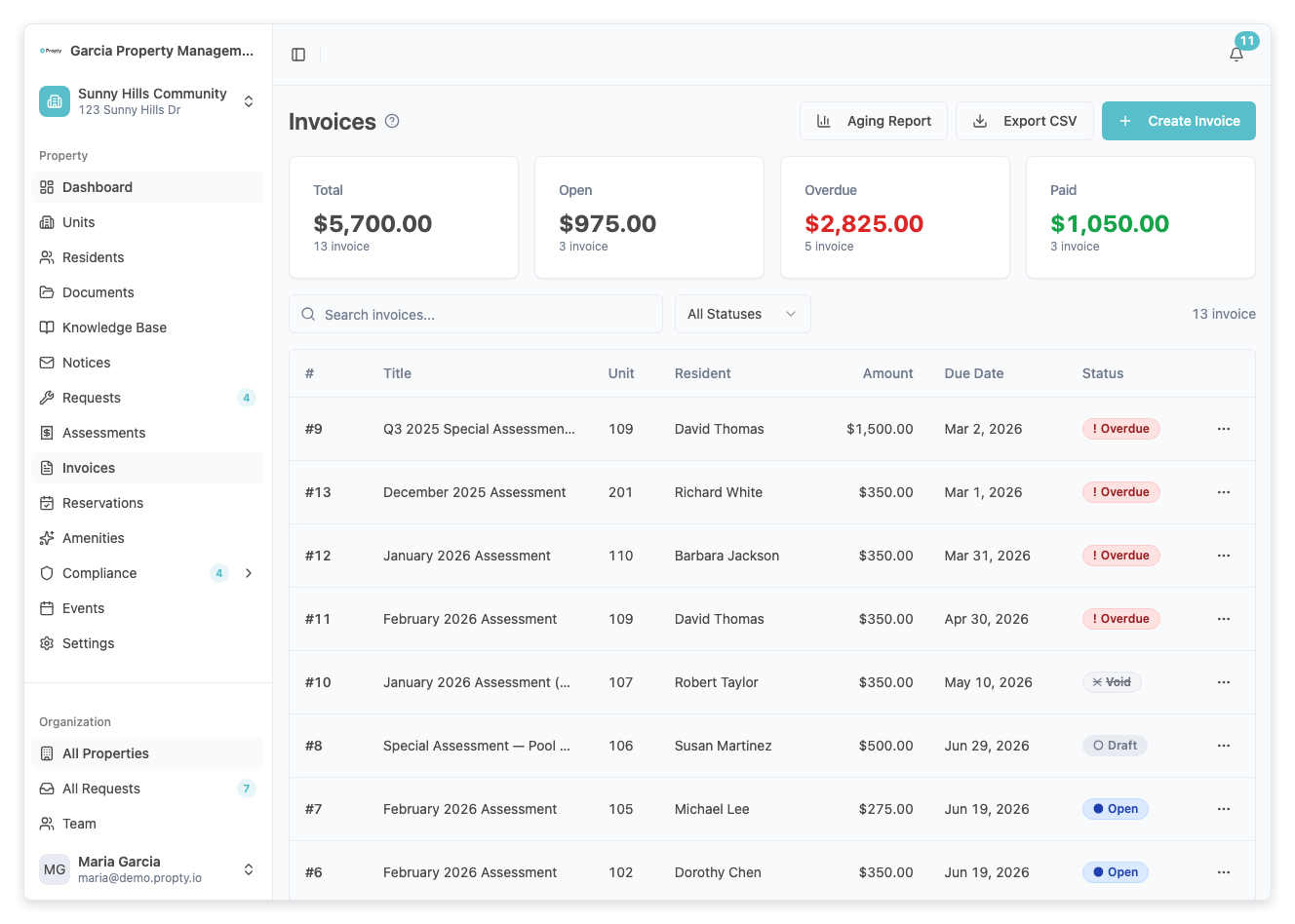
2. Open the actions menu
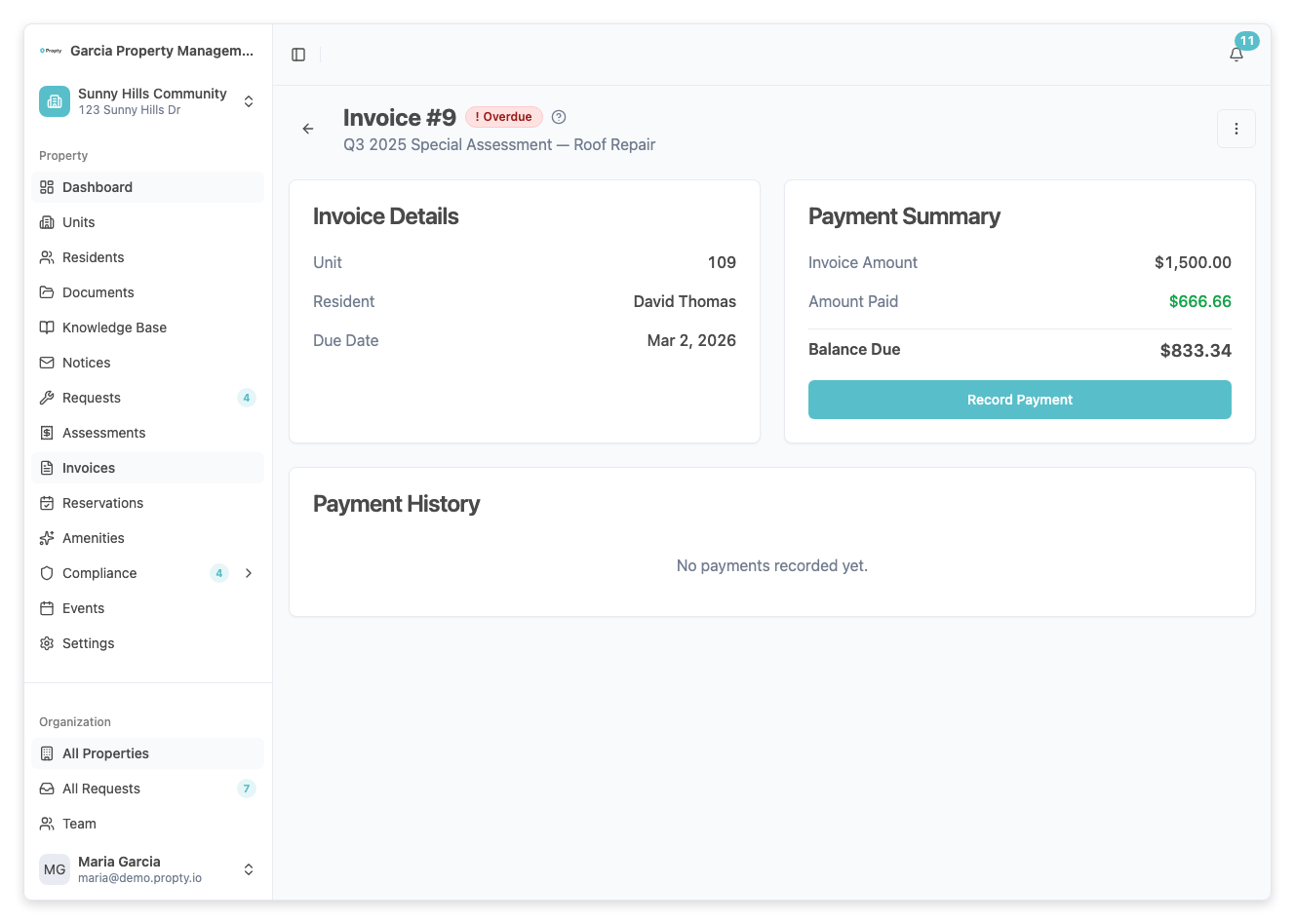
Click the three-dot menu button in the top-right corner of the invoice detail page.
3. Click "Void"
Select Void from the dropdown menu. A confirmation dialog will appear.
4. Enter a reason (optional)
In the void dialog, you will see the invoice number, title, and amount. You can optionally type a reason for voiding the invoice in the Reason field. This reason is saved for your records.
5. Click "Void Invoice"
Click the Void Invoice button to confirm. The invoice status will change to Void.
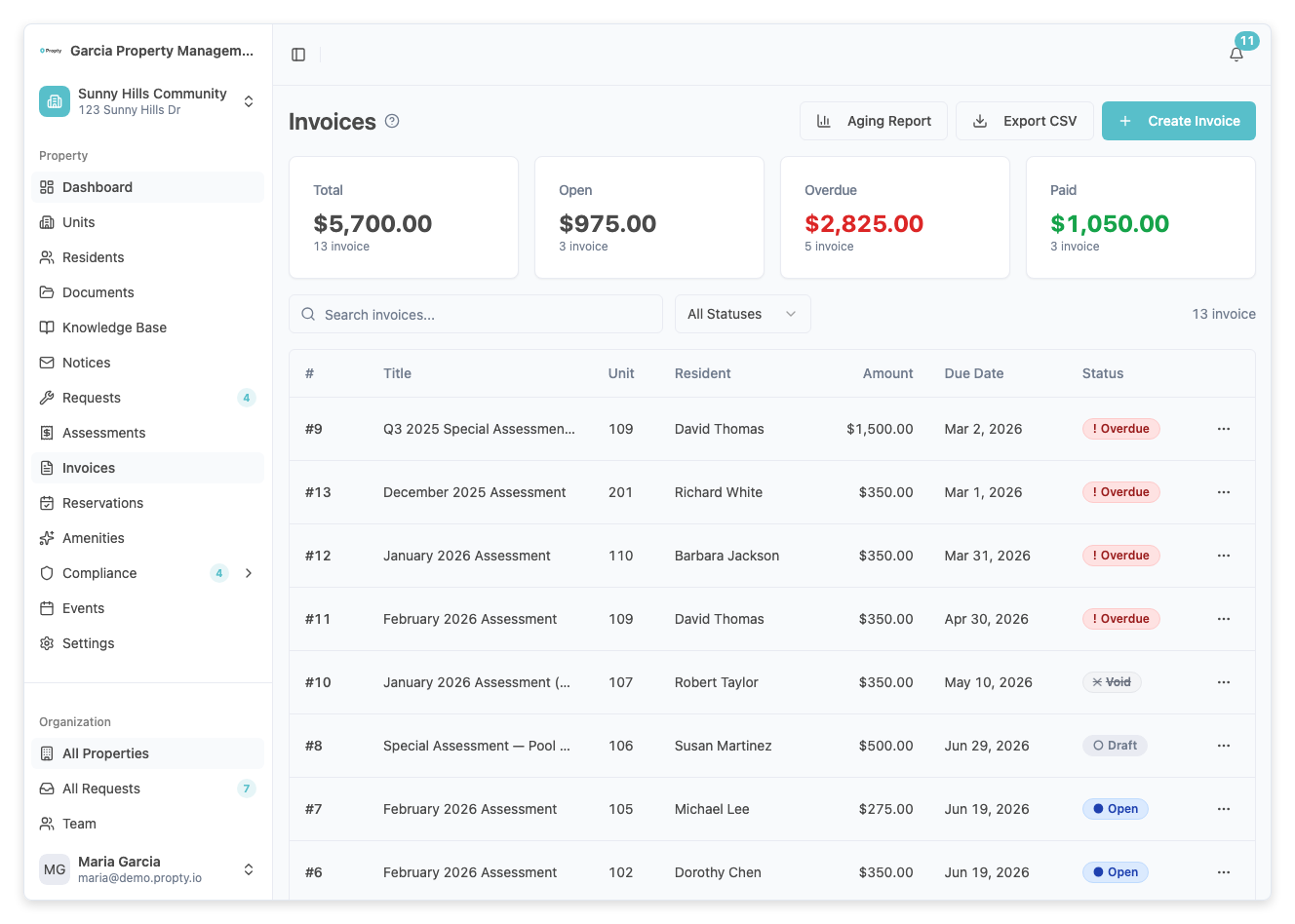
What happens when you void an invoice
- The invoice status changes to Void permanently
- The resident will no longer see this invoice as an outstanding balance
- The voided amount is removed from your summary totals
- The void action is recorded in the invoice history with any reason you provided
Important notes
- Voiding is permanent — you cannot undo a void. If you need to re-charge the resident, create a new invoice.
- Paid invoices cannot be voided — if the invoice has been fully paid, you cannot void it. Consider issuing a refund instead.
- Partially paid invoices — if the invoice has received partial payments, you cannot void it directly.
Troubleshooting
I don't see the "Void" option in the menu
- The invoice may already be Paid or Void. Only Draft, Open, and Overdue invoices can be voided.
- Check that you have the correct permissions for your role.
I voided the wrong invoice
- Voiding cannot be undone. Create a new invoice with the correct details for the resident.
The resident still sees the voided invoice
- Voided invoices are hidden from the resident's active invoice list. They may still appear in historical records with a "Void" label.