View Your Invoices
You can view all your invoices, check what you owe, and see your payment history from the resident portal.
What you'll need
- Your login credentials for the Propty resident portal
- Access to the property where you are a resident
View your account balance
1. Log in to the resident portal
Go to the Propty resident portal and log in with your email address.
2. Go to "My Account"
Click My Account in the navigation. This page shows your overall account summary.
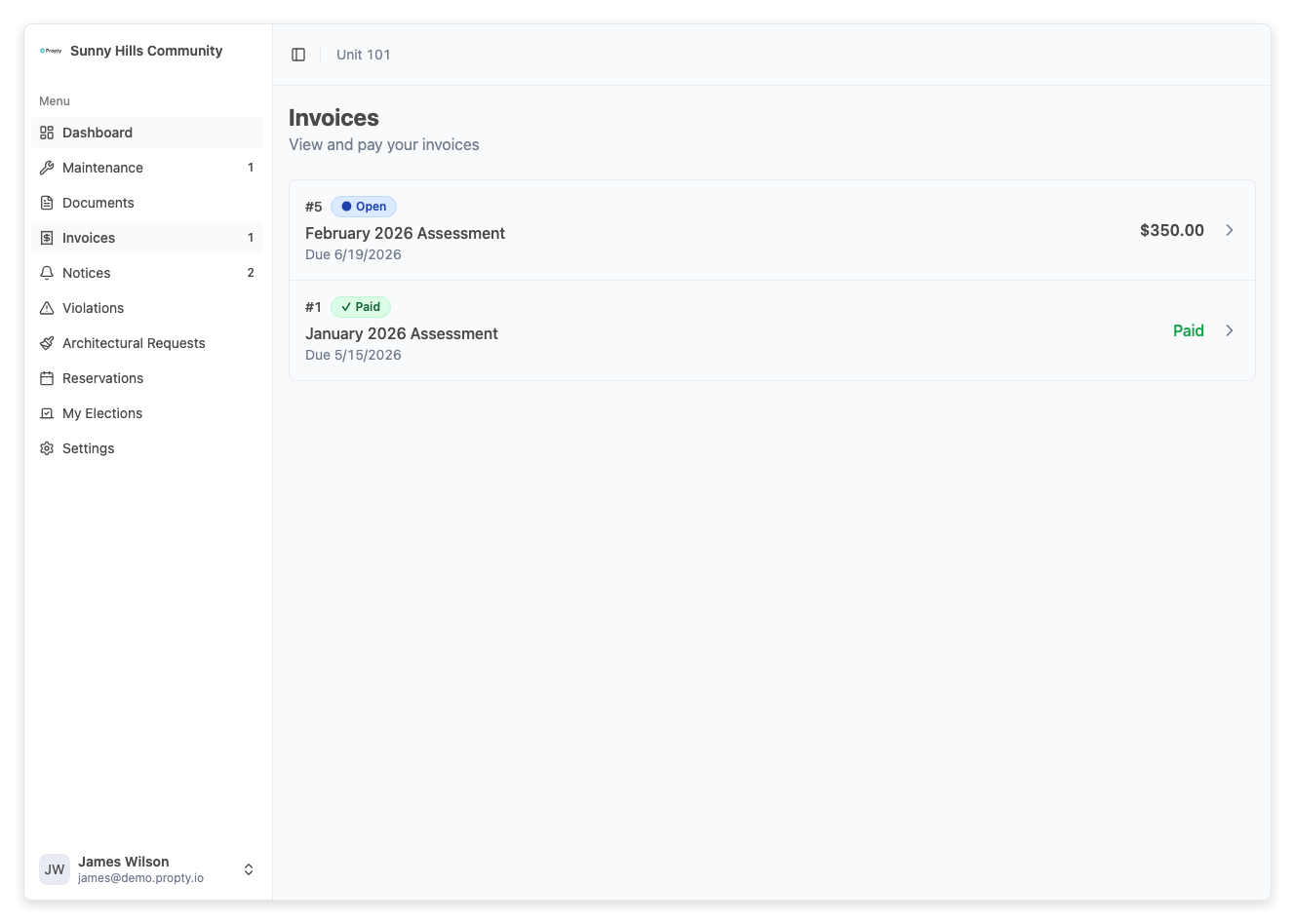
You will see:
- Balance — the total amount you currently owe. If your balance is $0, you will see a "Paid up" badge.
- Next due — the title and due date of your next upcoming invoice
- Invoice History — a table of all your invoices with their status
3. Review your invoice history
The Invoice History table shows:
| Column | What it means |
|---|---|
| Description | The name of the charge (e.g., "Monthly HOA Dues") |
| Due Date | When the payment is due |
| Amount | The total invoice amount |
| Status | Whether it is Open, Paid, Overdue, or other status |
Click on any row to see the full details of that invoice.
View a specific invoice
1. Go to the Invoices page
Click Invoices in the navigation menu.
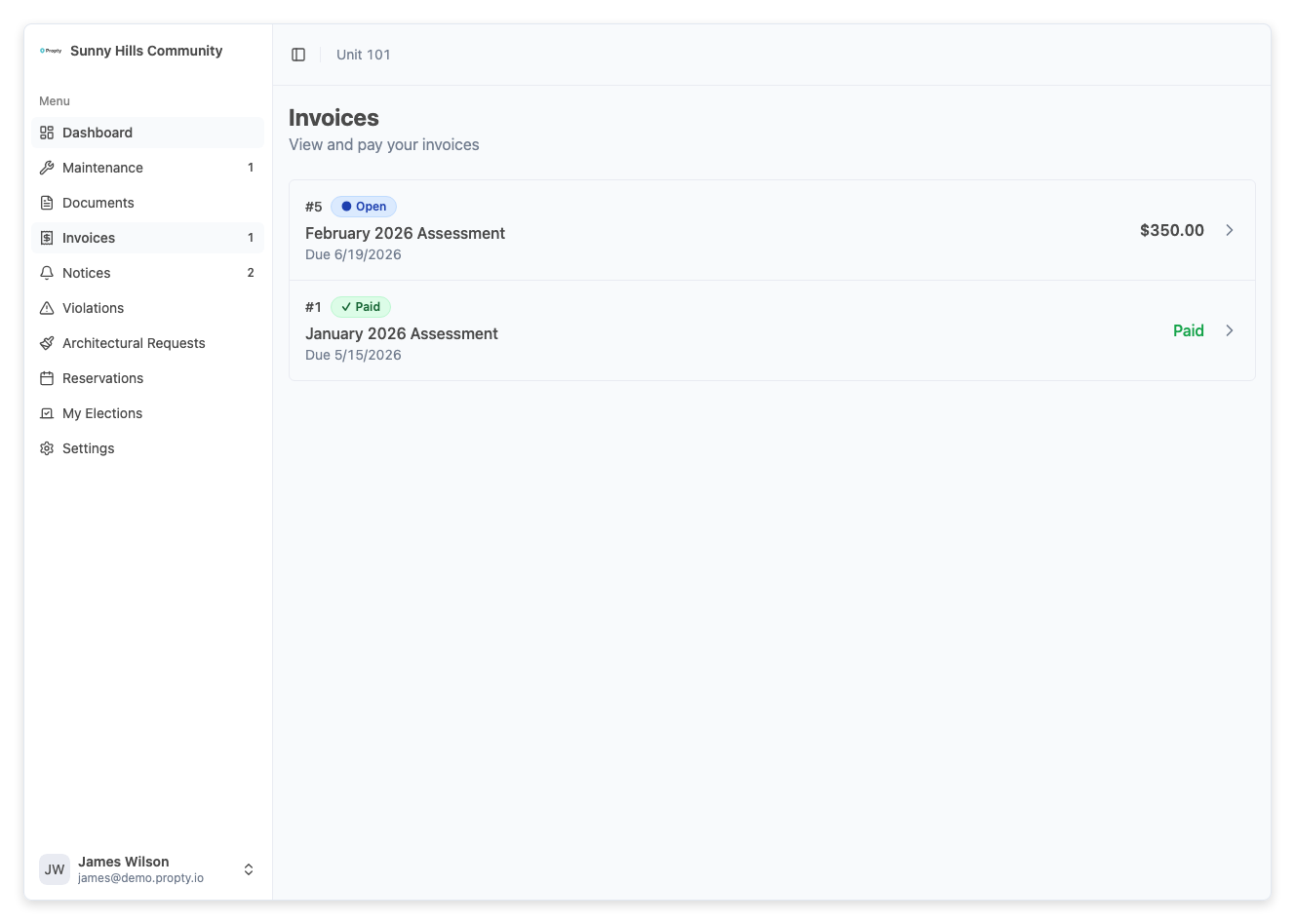
2. Click on an invoice
Click on the invoice you want to view. The invoice detail page shows:
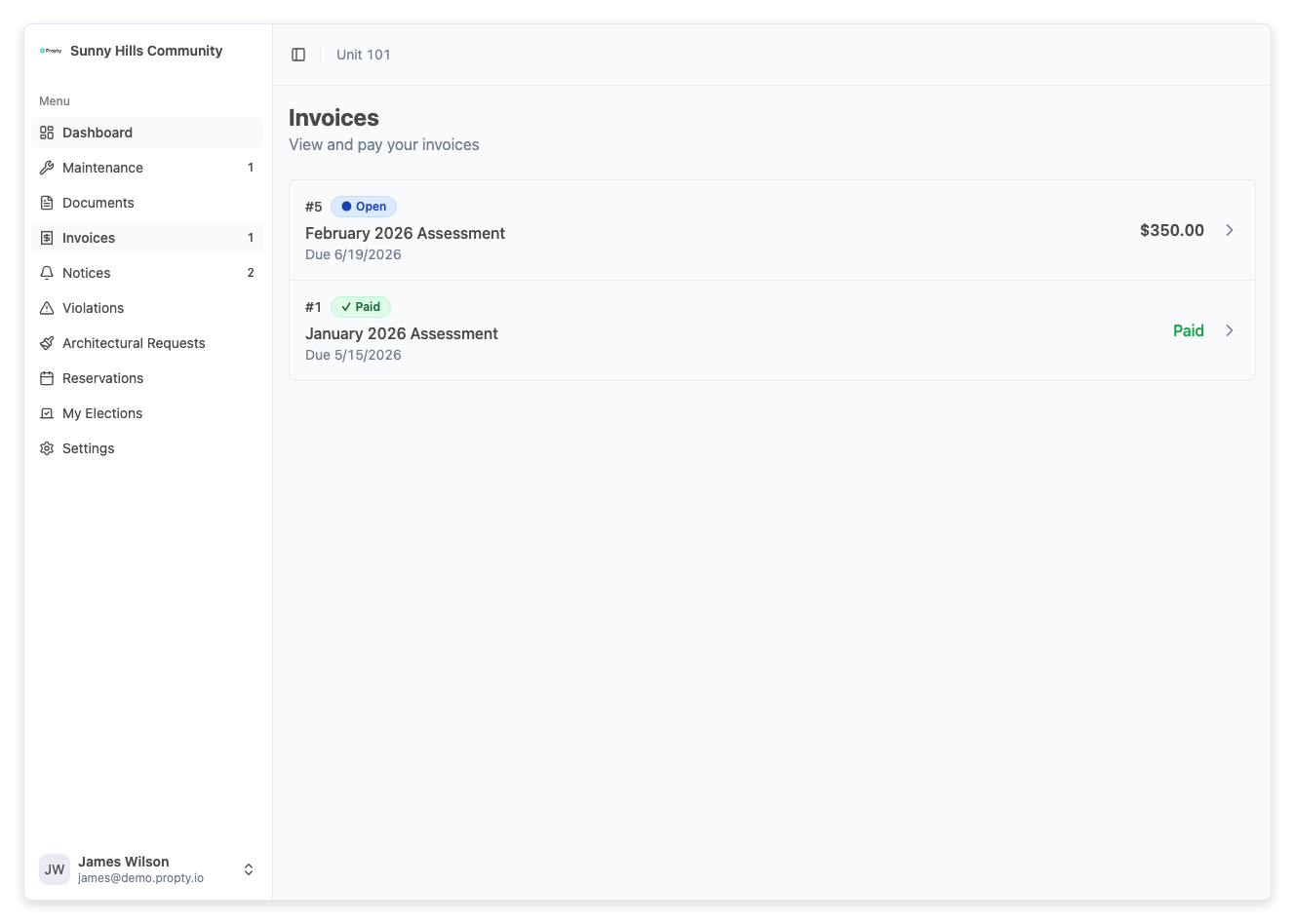
- Invoice number and status (shown in the header)
- Invoice Amount — the original amount charged
- Amount Paid — how much has been paid so far (shown in green)
- Balance Due — the remaining amount you owe
- Due Date — when the payment is due
- Description — additional details about the charge
- Service Fee — Propty's service fee for online payment (if applicable)
- Total — the amount including the service fee
3. View payment history
If you have made any payments on this invoice, they appear in the Payment History section at the bottom. Each payment shows:
- The amount paid
- The payment method (e.g., "Visa **** 4242")
- The status (Succeeded, Pending, or Failed)
- The date of the payment
Understanding invoice statuses
| Status | What it means |
|---|---|
| Open | The invoice is due and waiting for your payment |
| Paid | The invoice has been fully paid — no action needed |
| Overdue | The due date has passed and you still have an outstanding balance |
tip
If an invoice shows Overdue, pay it as soon as possible to avoid late fees. See Pay Your Invoice for instructions.
Troubleshooting
I don't see any invoices
- Your property manager may not have published any invoices yet.
- Make sure you are viewing the correct property. If you belong to multiple properties, check the property selector.
An invoice amount seems wrong
- Contact your property manager directly. Their contact information is shown on your My Account page under Contact.
- Keep your invoice number handy when reaching out.
I see a payment I don't recognize
- Review the payment history on the invoice detail page for the payment method and date.
- If you believe there is an error, contact your property manager immediately.