Pay Your Invoice
You can pay your invoices online using a credit card, debit card, or bank transfer (ACH). Payments are processed securely through Stripe.
- An invoice with an Open or Overdue status
- A credit card, debit card, or US bank account
- Your payment details (card number or bank account information)
Steps
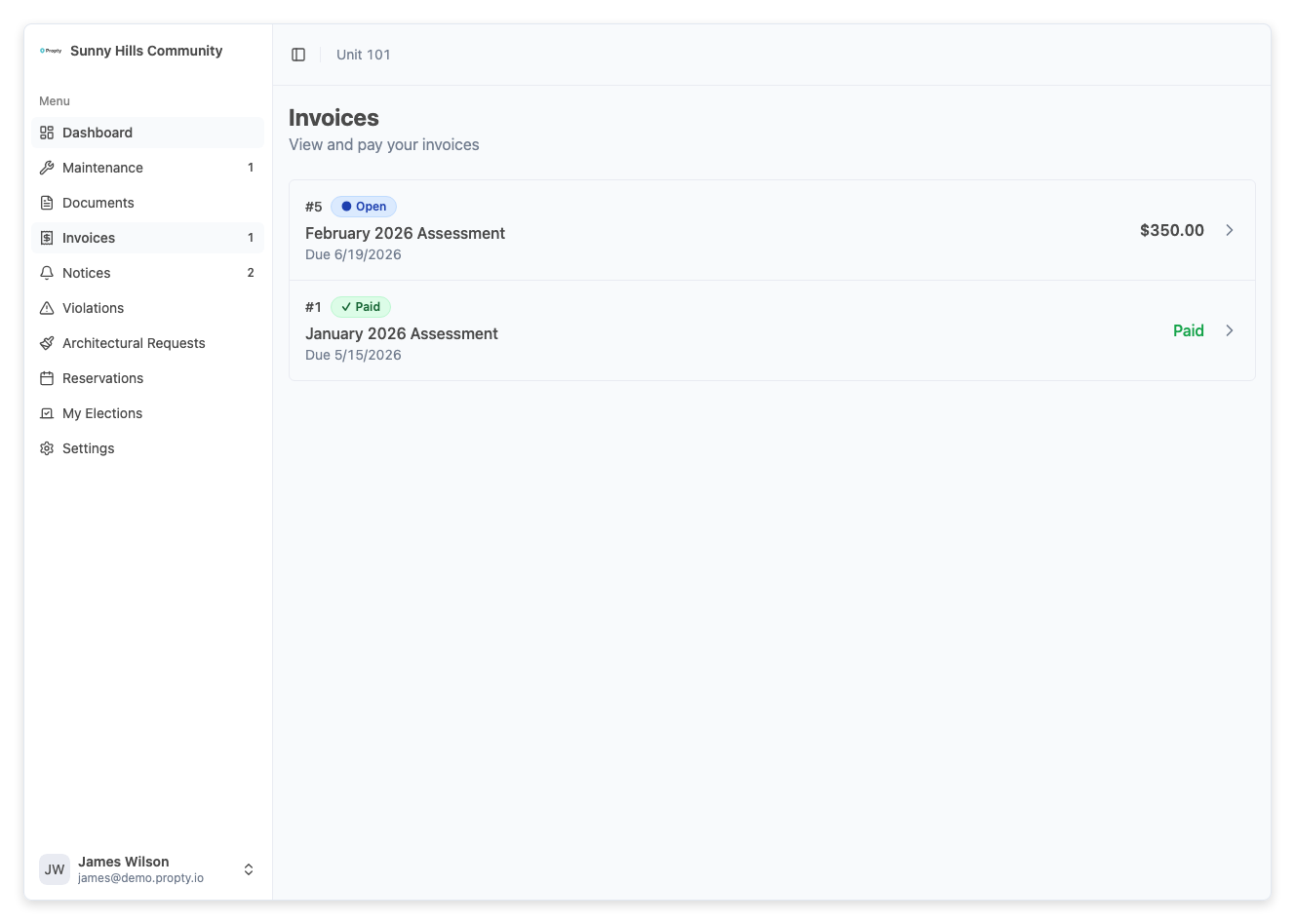
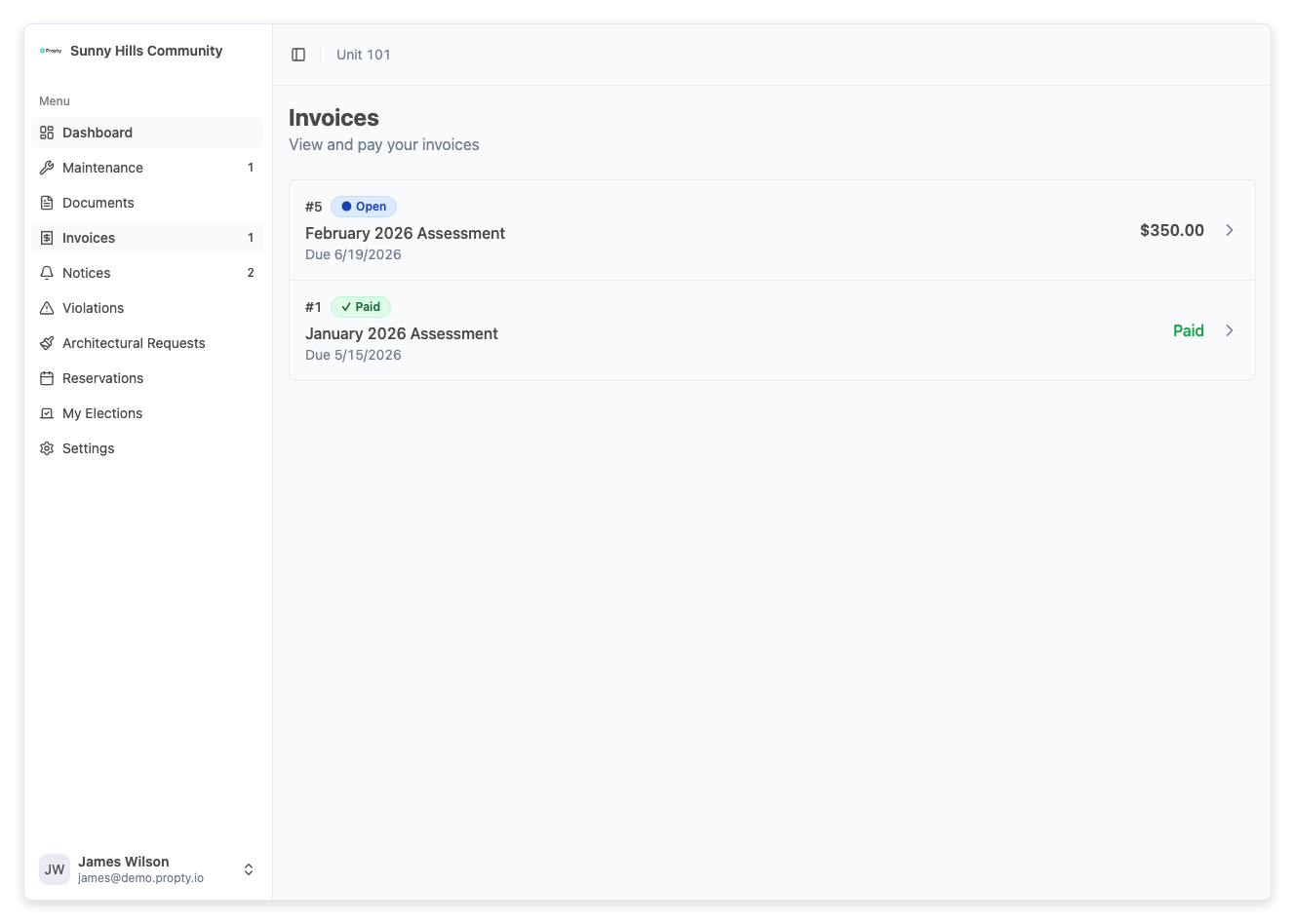
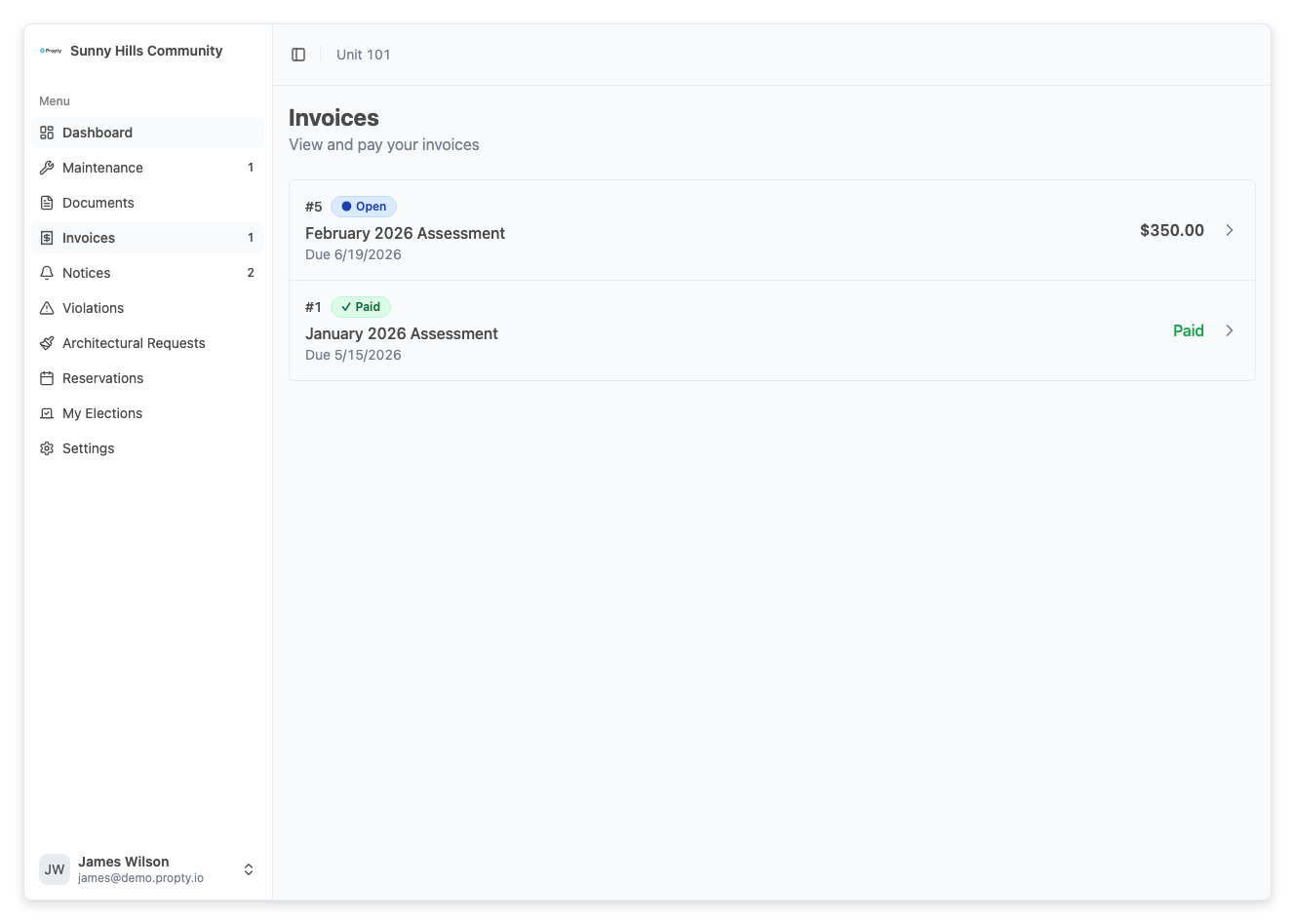
1. Open the invoice you want to pay
From the Invoices page in your resident portal, click on the invoice you want to pay.
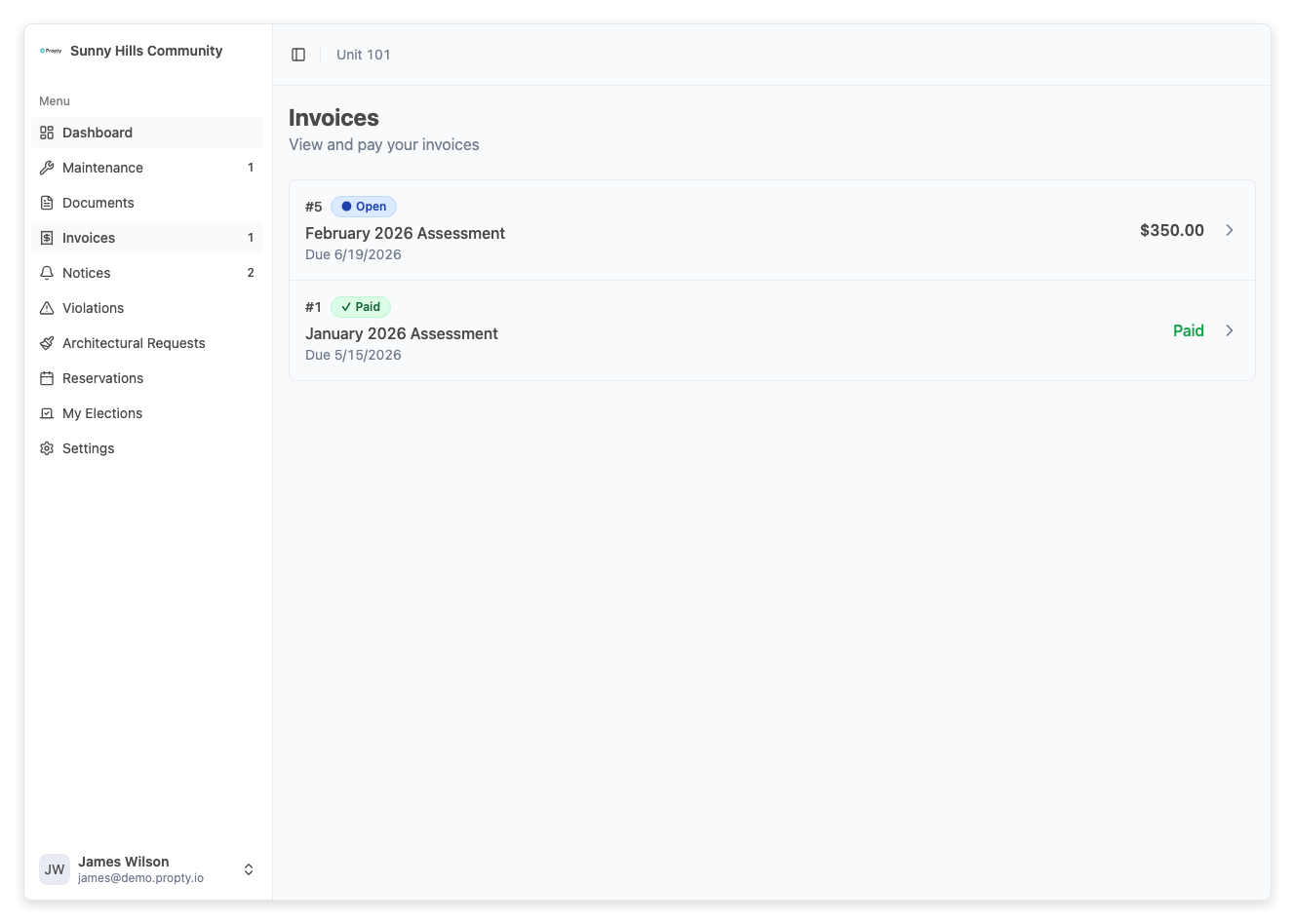
2. Click "Pay Now"
Click the Pay Now button in the top-right corner of the invoice page.
A payment panel will slide open from the right side of the screen.
3. Choose your payment method
Select one of the two payment options:
| Method | Service Fee | Processing Time |
|---|---|---|
| Card (credit or debit) | 3.5% + $0.50 | Instant |
| Bank transfer (ACH) | 1% (max $5.95) | 3-5 business days |
Bank transfers (ACH) have a significantly lower service fee than cards. For a $350 invoice, the card fee is $12.75 (total $362.75), while the ACH fee is $3.50 (total $353.50).
4. Enter the payment amount (optional)
The payment amount defaults to your full balance. If you want to make a partial payment, type a different amount in the Payment amount field.
- The minimum payment is $1.00
- The maximum is your full balance due
After entering a custom amount, click Confirm amount to proceed.
5. Enter your payment details
For credit or debit card:
- Enter your card number, expiration date, and CVC
- The form is powered by Stripe and your card information is never stored on our servers
For bank transfer (ACH):
- Enter your bank routing number and account number
- Or connect your bank through the secure bank connection flow
6. Review the fee breakdown
Before paying, review the summary at the top of the payment panel:
- Balance Due — the original invoice amount
- Paying — the amount you are paying (if partial)
- Service Fee — Propty's service fee for online payment
- Total — the total amount that will be charged
The service fee is charged by Propty for online payments: 3.5% + $0.50 for card payments, or 1% (capped at $5.95) for bank transfers. Whether you see it depends on your property's settings — some properties absorb the service fee for you, so you may not see one. If a fee is shown, it is added to your total.
7. Click "Pay Now"
Click the Pay Now button at the bottom to submit your payment.
You will see a "Processing your payment..." message. Do not close the browser while the payment is being processed.
8. Payment confirmation
If your payment succeeds:
You will see a green checkmark and a "Payment successful!" message. A confirmation email will be sent to your email address.
Click Done to return to the invoice detail page. The invoice status will update to Paid (or remain Open if you made a partial payment).
If you paid by bank transfer (ACH):
You will see a "Bank transfer initiated" message. ACH payments take 3-5 business days to process. You will receive a confirmation email once the transfer completes.
Making a partial payment
You can pay less than the full balance. After a partial payment:
- The invoice remains Open with a reduced balance
- You can make additional payments later until the full balance is covered
- Once the total payments equal the invoice amount, the status changes to Paid
Troubleshooting
My card was declined
- Check your card details — make sure the card number, expiration date, and CVC are correct.
- Contact your bank — your bank may be blocking the transaction. Call the number on the back of your card.
- Try a different card — if one card doesn't work, try another.
I see "Insufficient funds"
- Check your bank account balance.
- Try a different payment method or make a partial payment for a smaller amount.
The payment is stuck on "Processing"
- Do not close your browser. Wait at least 30 seconds.
- If the page does not update, check your email for a payment confirmation.
- Go back to the invoice detail page — if the payment went through, the status will be updated.
I was charged but the invoice still shows "Open"
- Bank transfers (ACH) take 3-5 business days to process. The invoice will update once the transfer completes.
- If you paid by card and the status hasn't updated after a few minutes, try refreshing the page.
- If the issue persists, contact your property manager.
I want a receipt for my payment
- A confirmation email is sent automatically after each successful payment.
- You can also view your payment history on the invoice detail page.
I need to dispute a charge
- Contact your property manager directly. Their contact information is on your My Account page.
- Have your invoice number ready when you reach out.