Pay Assessments
Assessments are recurring charges from your property (such as monthly HOA dues) that are automatically generated on a schedule. Each assessment appears as an invoice in your portal, and you pay them the same way you pay any other invoice.
- Access to the Propty resident portal
- A credit card, debit card, or bank account
How assessments work
Your property manager sets up assessment schedules (e.g., monthly HOA dues of $350). When an assessment is due:
- An invoice is automatically created and assigned to your unit
- The invoice appears on your Invoices page and My Account page
- You receive an email notification with the invoice details
- You pay the invoice online or your autopay handles it automatically
Common assessment types
| Type | Example | Frequency |
|---|---|---|
| Regular | Monthly HOA Dues | Monthly |
| Special | Roof Repair Assessment | One-time or quarterly |
| Reimbursement | Common Area Repair | One-time |
Pay an assessment
1. Check your account
Log in to the Propty resident portal and go to My Account. Your current balance and next due invoice are shown at the top.
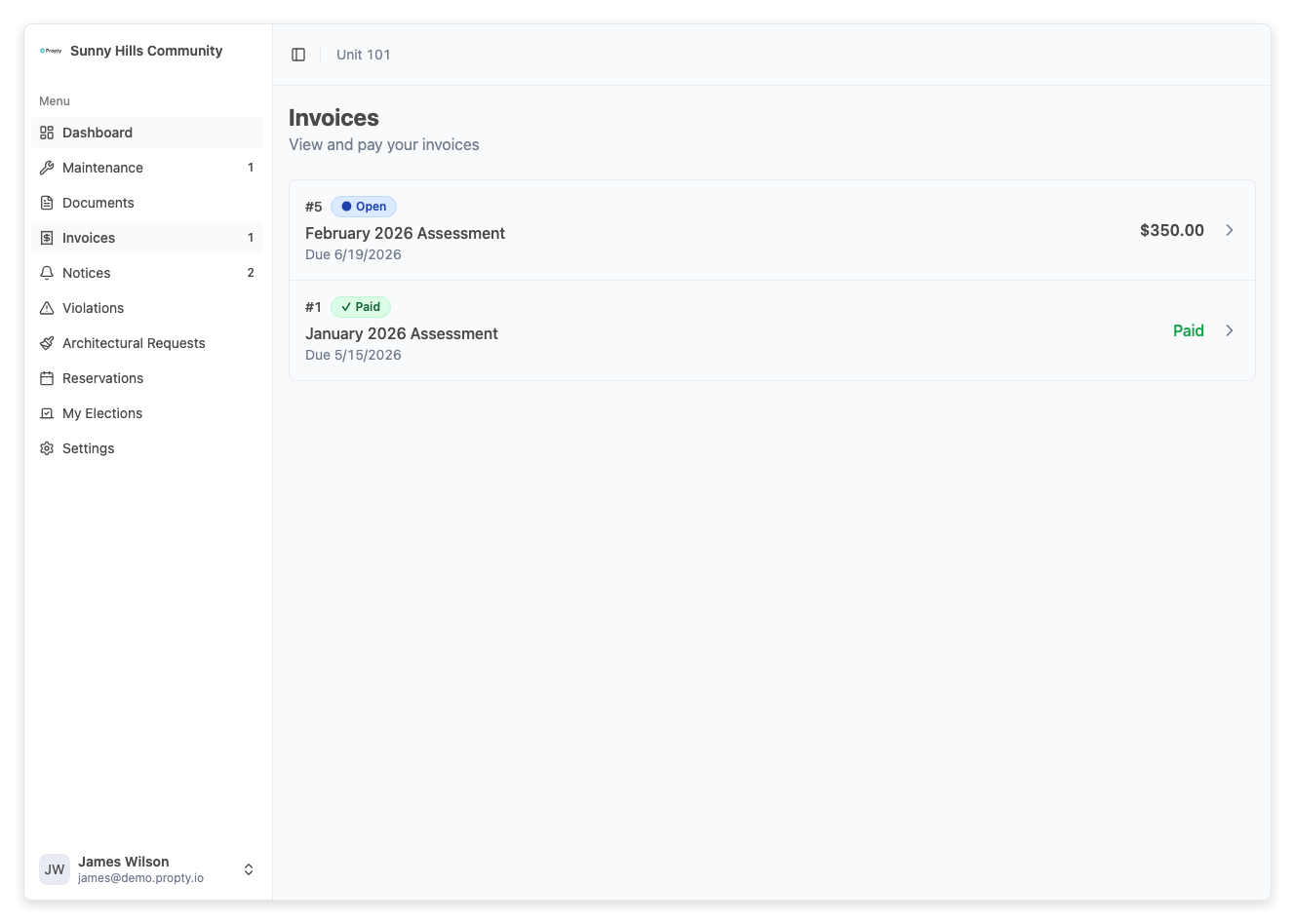
2. Go to Invoices
Click Invoices in the navigation menu, or click Pay Now on your account page if you have an outstanding balance.
3. Find the assessment invoice
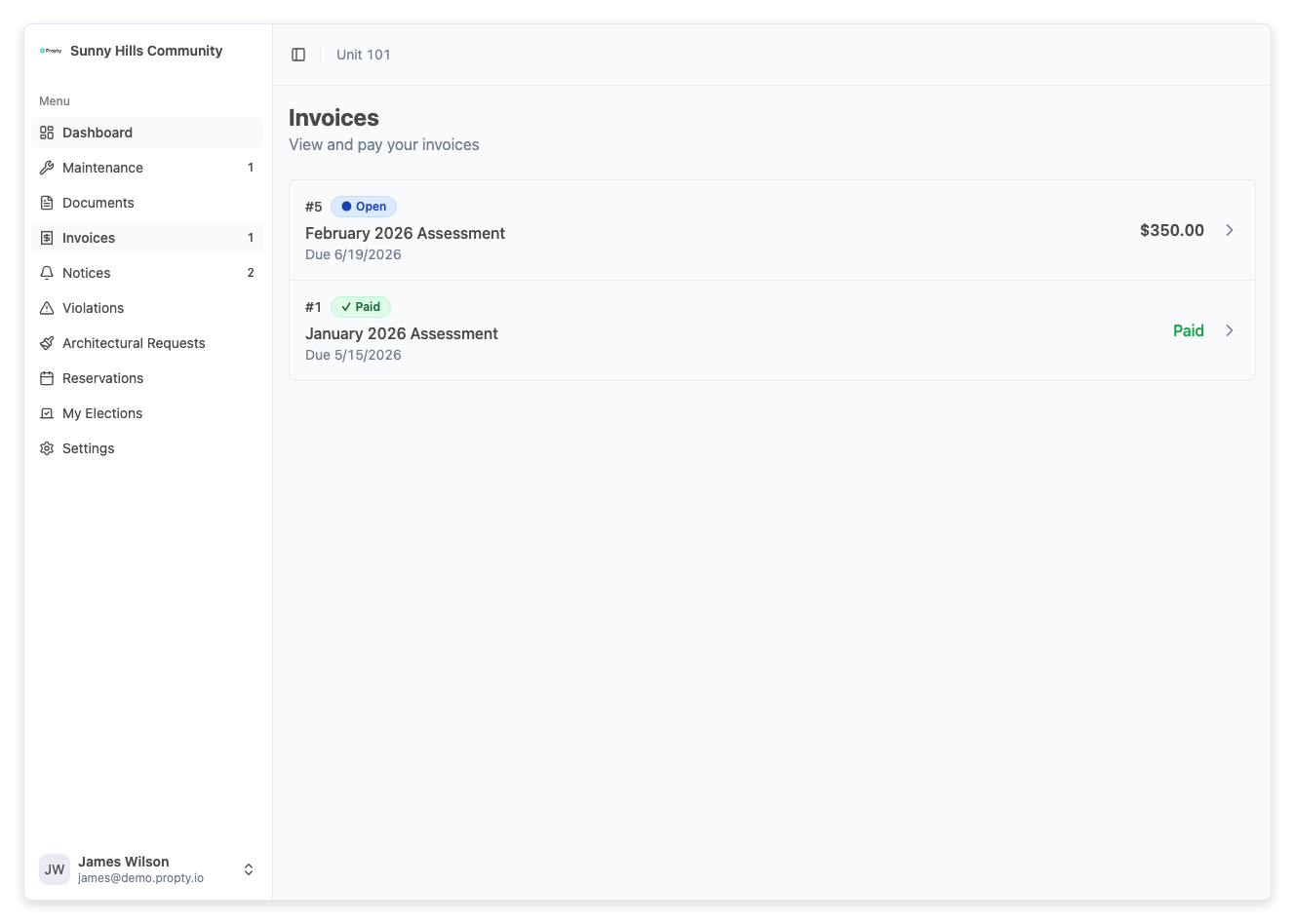
Assessment invoices appear with the title your property manager assigned (e.g., "Monthly HOA Dues" or "Q1 2026 Special Assessment"). They look and behave exactly like any other invoice.
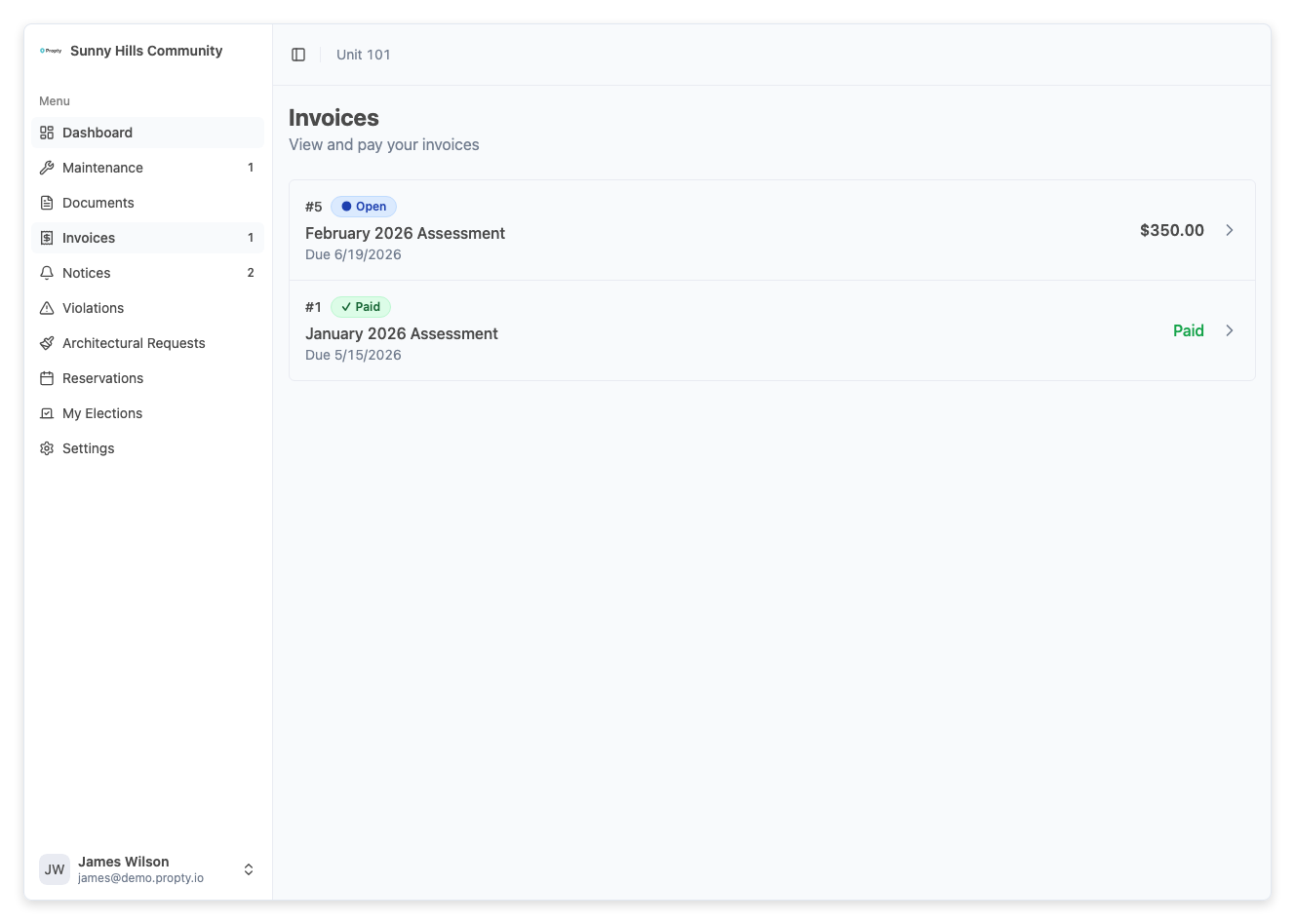
4. Click on the invoice
Click the invoice row to open the detail page.
5. Pay the invoice
Click Pay Now and follow the payment steps. For full instructions, see Pay Your Invoice.
Recommended: Set up autopay
Assessments are recurring — the same amount is charged regularly. Setting up autopay means you never have to remember to pay. Your card or bank account is charged automatically when each invoice is due.
See Set Up Autopay for instructions.
Assessment invoices can incur late fees if not paid by the due date. Your property may apply:
- A late fee (up to 10% of the assessment or $10, whichever is greater) after a 15-day grace period
- Interest (up to 12% annually) starting 30 days after the due date
Setting up autopay is the easiest way to avoid these charges.
Understanding your assessment schedule
Your assessments follow a schedule set by your property manager. Common schedules include:
| Frequency | When invoices are generated |
|---|---|
| Monthly | Once per month (e.g., 1st of each month) |
| Quarterly | Every 3 months |
| Semi-Annual | Every 6 months |
| Annual | Once per year |
| One-Time | Single charge, not recurring |
You will receive an email each time a new assessment invoice is generated.
Troubleshooting
I received an assessment I wasn't expecting
- Check with your property manager. They may have created a special assessment for a specific expense (like a major repair).
- Review the invoice description for details on what the charge is for.
The assessment amount changed
- Your property manager can update assessment amounts. This typically happens when HOA budgets change.
- If you believe the amount is incorrect, contact your property manager. Their contact information is on your My Account page.
I'm being charged a late fee
- Late fees are applied automatically after the grace period (typically 15 days after the due date).
- Pay the full balance (including the late fee) to bring your account current.
- To avoid future late fees, consider setting up autopay.
I don't see any assessments in my invoices
- Your property manager may not have generated invoices yet for the current period.
- If you recently moved in, your first assessment may start in the next billing cycle.
- Contact your property manager if you believe assessments should have been generated.
I want to pay multiple assessments at once
- Each assessment is a separate invoice. You need to pay them individually.
- With autopay enabled, all invoices are paid automatically as they become due.