Notice History
Your property manager sends notices to communicate important information about your property — maintenance schedules, policy updates, meeting invitations, and more. All notices sent to you are available in the resident portal.
What You'll Need
- A Propty resident account with access to the portal
Steps
1. Log In to the Portal
Go to app.propty.io and log in with your email address.
2. Open Notices
From the portal sidebar, click Notices. You will see a list of all notices sent to you, with the most recent ones at the top.
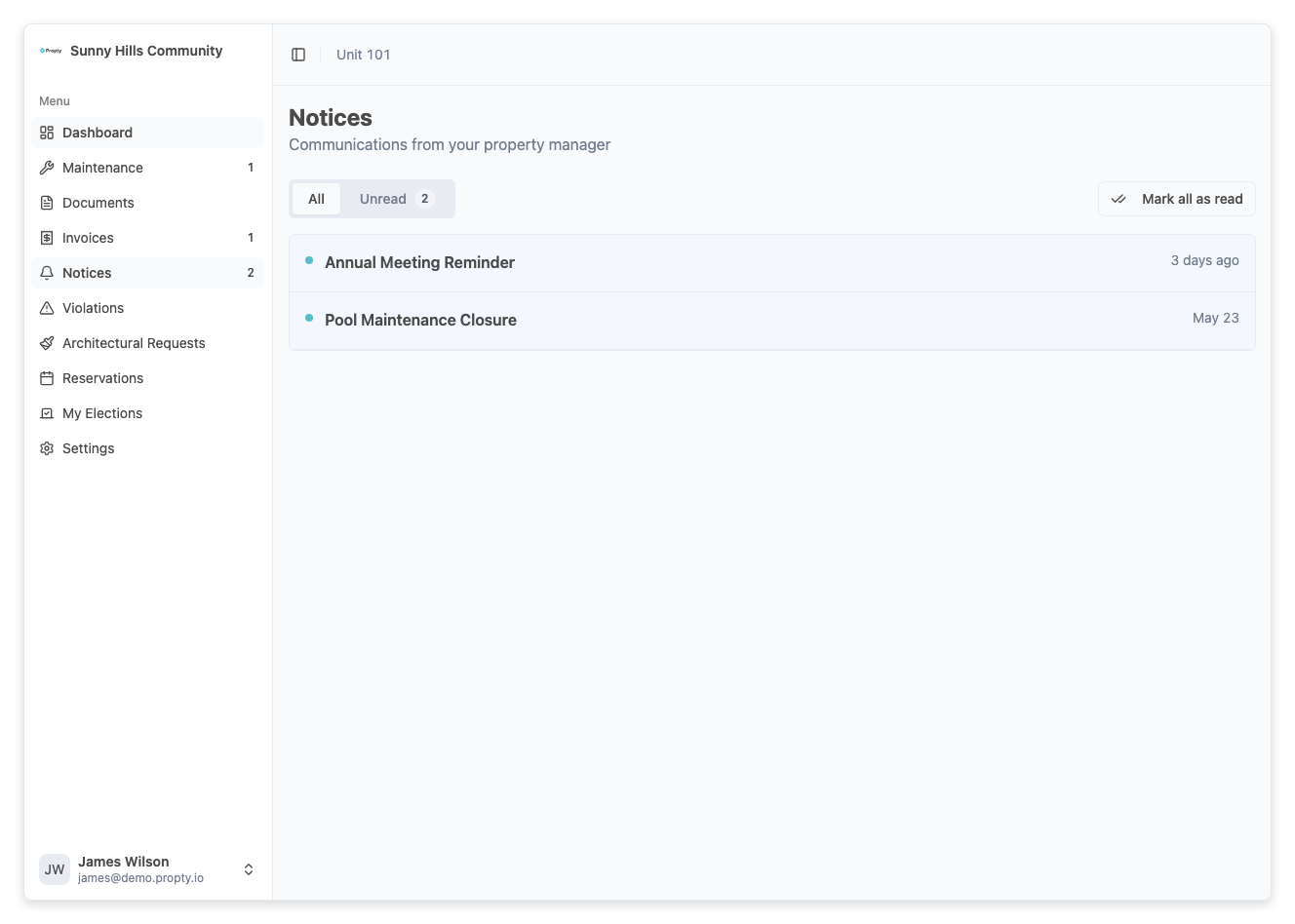
The page shows:
- The notice title
- Who sent it
- The date it was sent
- Whether you have viewed it (unread notices may appear highlighted)
3. Filter notices
Use the filter options to narrow the list:
- All — show all notices
- Unread — show only notices you haven't opened yet
4. Read a notice
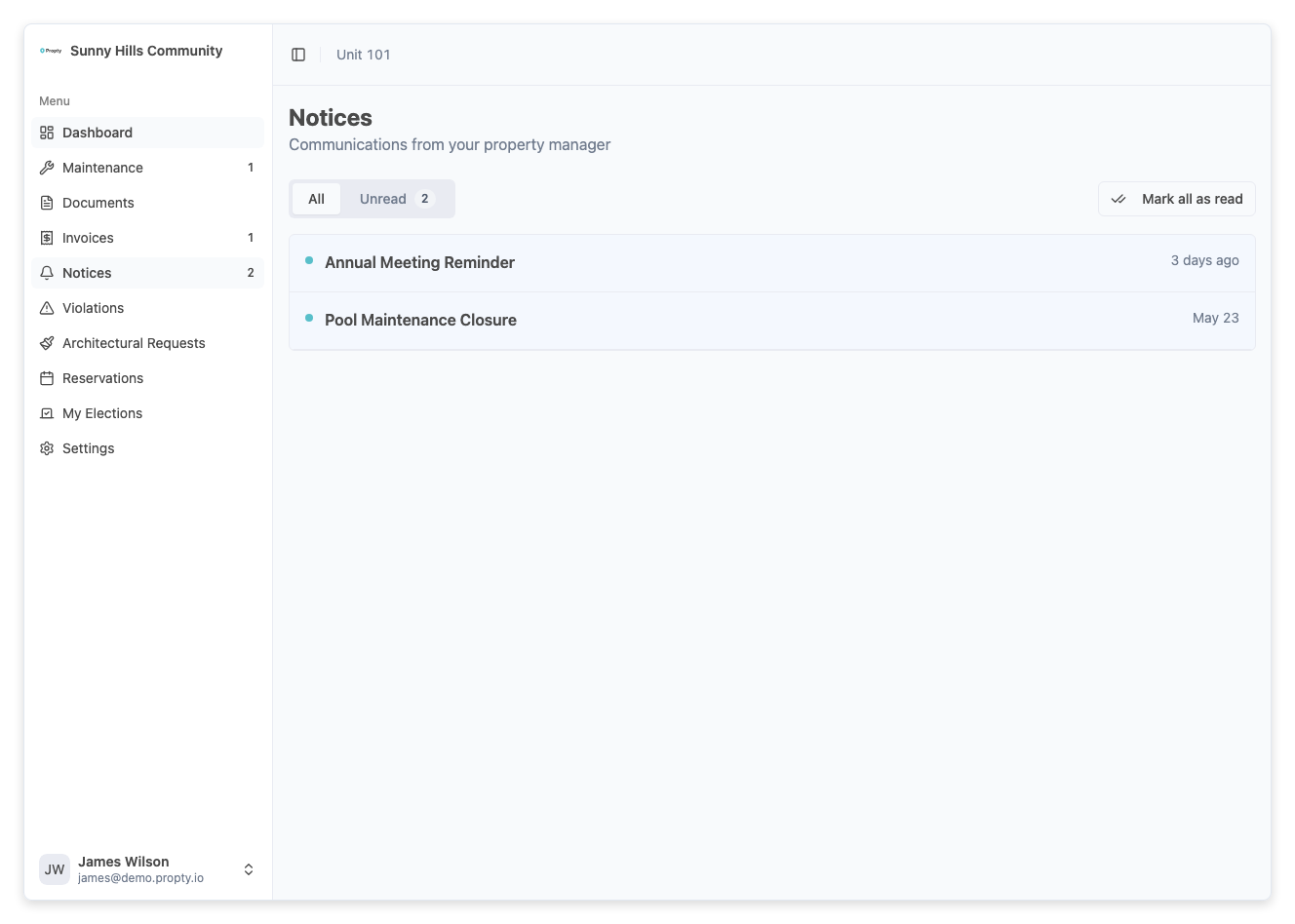
Click on any notice to open the full detail page. You will see:
- The complete email content with formatting
- Any attached files (available for download)
- The date and time the notice was sent
5. Download attachments
If the notice has attachments, they appear below the content. Click on any attachment to download it to your device.
Email and SMS notifications
When your property manager sends you a notice:
- You will receive an email with the full notice content
- If SMS is enabled, you may also receive a text message with a short summary
- The full notice is always available in the portal, even if you miss the email or text
Troubleshooting
I didn't receive an email notification
- Check your spam or junk folder — the email may have been filtered.
- Make sure your email address is correct in your profile settings.
- The notice is still viewable in the portal even if the email was not delivered.
I can't find a notice I know was sent
- Make sure the filter is set to All (not Unread only).
- Notices are only visible to the recipients selected by the property manager. If the notice was sent to a specific group (e.g., owners only) and you are a tenant, you may not have been included.
The notice content looks different from the email
- The portal shows the same content as the email but may render formatting slightly differently depending on your browser. The information is identical.
Can I reply to a notice?
- Notices are one-way communications. If you need to respond, contact your property manager directly through the contact information on your account page.