Track Notice Delivery
After sending a notice, you can monitor delivery in real time. The notice detail page shows aggregate statistics and per-recipient delivery status for both email and SMS channels.
What you'll need
- A Propty account with Property Manager or Property Admin access
- A notice that has been sent (not draft or scheduled)
Steps
1. Open a sent notice
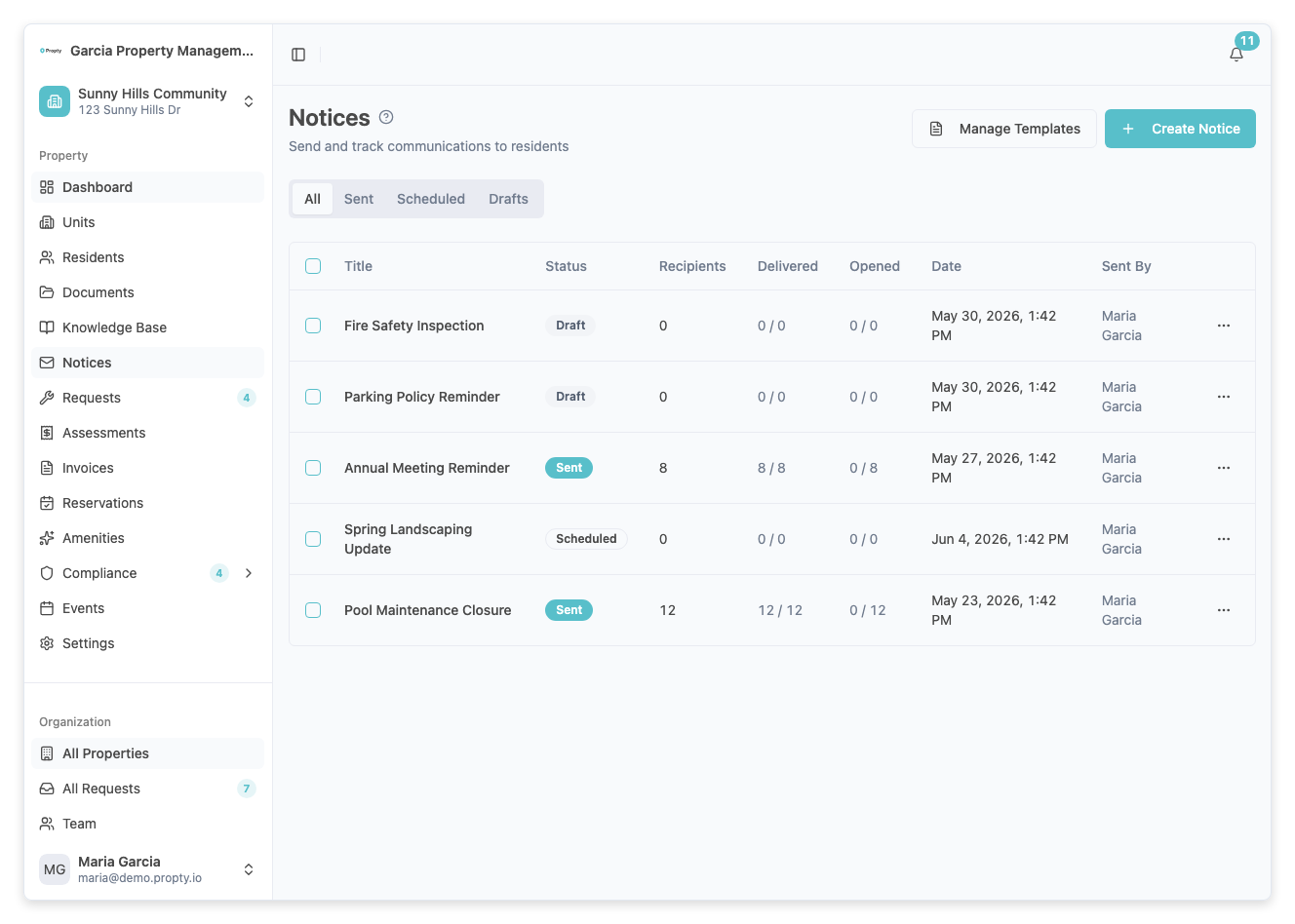
From the Notices page, click on a notice with a Sent or Partially Failed status.
Delivery statistics
At the top of the notice detail page, you will see summary stat cards for email delivery:
| Stat | Description |
|---|---|
| Total | Number of recipients the notice was sent to |
| Delivered | Number of emails successfully delivered (with percentage) |
| Opened | Number of recipients who opened the email (with percentage) |
| Failed | Number of emails that failed to deliver (with percentage) |
If the notice included SMS, a second row of stats shows SMS delivery:
| Stat | Description |
|---|---|
| SMS Delivered | Number of SMS messages successfully sent |
| SMS Failed | Number of SMS messages that failed |
note
Delivery statistics update in real time while the notice is being sent. The page automatically refreshes every 30 seconds during sending.
Recipients table
Below the content preview, the Recipients table shows per-person delivery details:
| Column | Description |
|---|---|
| Name | Recipient's full name |
| Unit | Their unit number |
| Email Status | Delivery status for the email (Delivered, Opened, Failed) |
| SMS Status | Delivery status for SMS (if applicable) |
| Delivered At | Timestamp when the email was delivered |
| Opened At | Timestamp when the email was opened |
Notice statuses explained
| Status | Meaning |
|---|---|
| Sending | Notice is currently being delivered to recipients |
| Sent | All deliveries completed (some may have failed) |
| Partially Failed | Some recipients did not receive the notice |
What to do about failed deliveries
If you see failed deliveries:
- Check the Recipients table to identify which residents failed
- Verify the resident has a valid email address
- Use the Resend Notice feature to retry delivery to failed recipients
Troubleshooting
The opened count seems low
- Email open tracking depends on the recipient's email client loading tracking pixels. Some email clients (like Outlook) block tracking by default, so the actual open rate may be higher than reported.
A recipient shows as "Failed" but says they received the email
- The delivery status reflects our email service provider's report. In rare cases, the email may still reach the recipient through a retry or backup delivery path.
Stats are not updating
- While a notice has the Sending status, stats refresh every 30 seconds. Once the status changes to Sent, stats are final. Refresh the page manually to see the latest data.
I don't see SMS stats
- SMS stats only appear if the notice was sent with SMS enabled. If the notice was email-only, the SMS section will not be shown.