Submit ARC Requests
If you want to make changes to your unit's exterior, landscaping, fencing, or other controlled areas, you need to submit an Architectural Review Committee (ARC) request for approval from your property management.
What You'll Need
- A Propty resident account with portal access
- Details about the modification you want to make
Steps
1. Log in to the portal
Go to app.propty.io and log in with your email address.
2. Go to ARC Requests
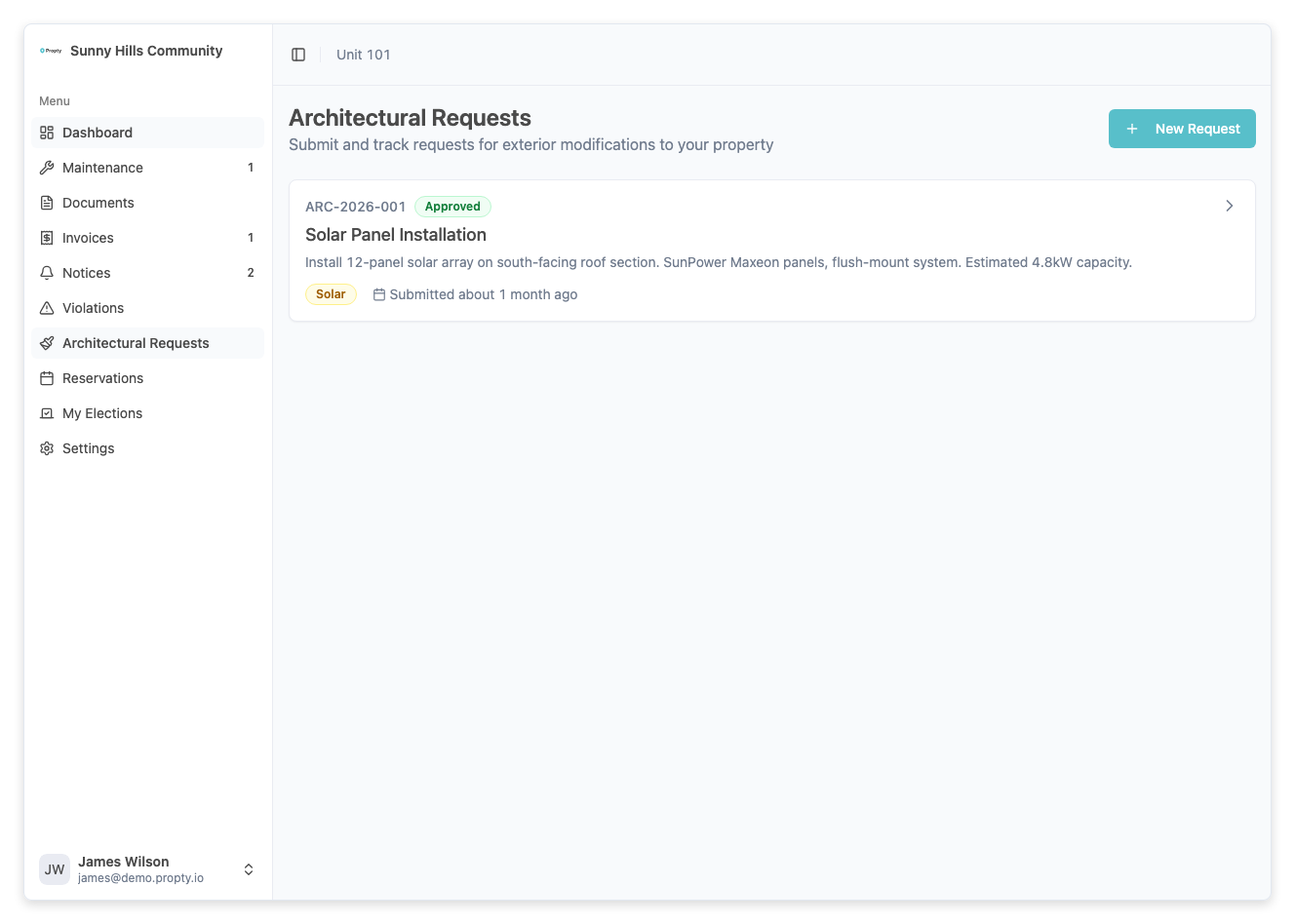
From the portal sidebar, click ARC Requests. You will see a list of your previous requests (if any).
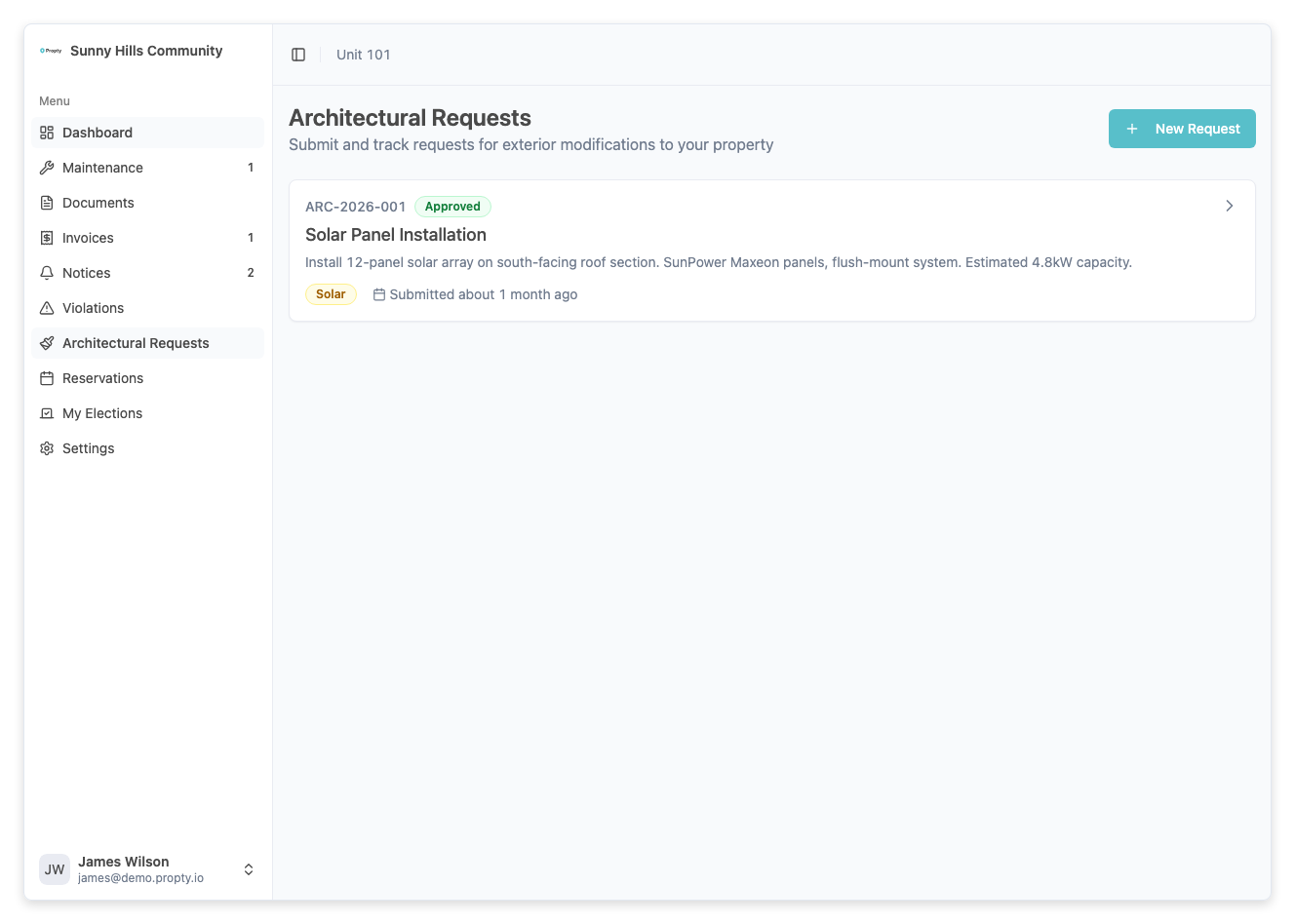
3. Click "New Request"
Click the New Request button at the top of the page. If you have no previous requests, you can also click the button in the empty state.
4. Fill in the request form
Enter the following information:
-
Title (required) — A short description of the change you want to make.
Examples:
- "Replace front door"
- "Add privacy fence in backyard"
- "Paint exterior trim — new color"
-
Category (required) — Select the type of modification:
- Exterior Modification
- Landscaping
- Fencing
- Painting
- Solar Panels
- Other
-
Description (required) — Provide a detailed description of the proposed changes. Include materials, colors, dimensions, and any other details the committee will need to make a decision.
-
Estimated Cost (optional) — Enter the estimated cost of the project in dollars.
-
Proposed Start Date (optional) — When you plan to start the work.
-
Proposed End Date (optional) — When you expect the work to be completed.
The more detail you provide, the faster the committee can make a decision. Include specifics about materials, colors, and contractors if applicable.
5. Submit the request
Click the Submit Request button. You will see a success message and be redirected to your ARC requests list.
Tracking Your Request
After submitting, your request will appear in the ARC requests list with its current status:
| Status | Meaning |
|---|---|
| Submitted | Your request has been received and is waiting for review |
| Under Review | The committee is actively reviewing your request |
| Approved | Your request has been approved — you may proceed |
| Approved with Conditions | Approved with specific conditions you must follow |
| Denied | Your request has been denied |
Click on any request to see the full details, including the committee's decision and any conditions.
Troubleshooting
I don't see the ARC Requests page
- ARC requests may not be available for your property. Contact your property manager for more information.
My request was denied
- Review the reason provided by the committee. You may be able to submit a new request with modifications that address their concerns.
I need to change my request after submitting
- Submitted requests cannot be edited. Contact your property manager if you need to make changes, or submit a new request with the updated information.
I haven't heard back about my request
- Check the status of your request on the ARC Requests page. If it still shows Submitted, the committee has not yet started their review. Contact your property manager if it has been an extended period.