Inspector of Elections
The Inspector of Elections is an independent third party who oversees the voting process and certifies election results in compliance with California Civil Code §5110. This role is required for director elections and certain member votes.
- Access to the Events section
- The Inspector's name, email, and role (Primary or Alternate)
- At least one Inspector must be Active before voting can begin
California law requires that an election for the board of directors be held in accordance with the Corporations Code, except that the election shall be held pursuant to specified election procedures. An independent Inspector of Elections or board of inspectors must be appointed to supervise and certify the election process.
Adding an Inspector
Step 1: Open the Event
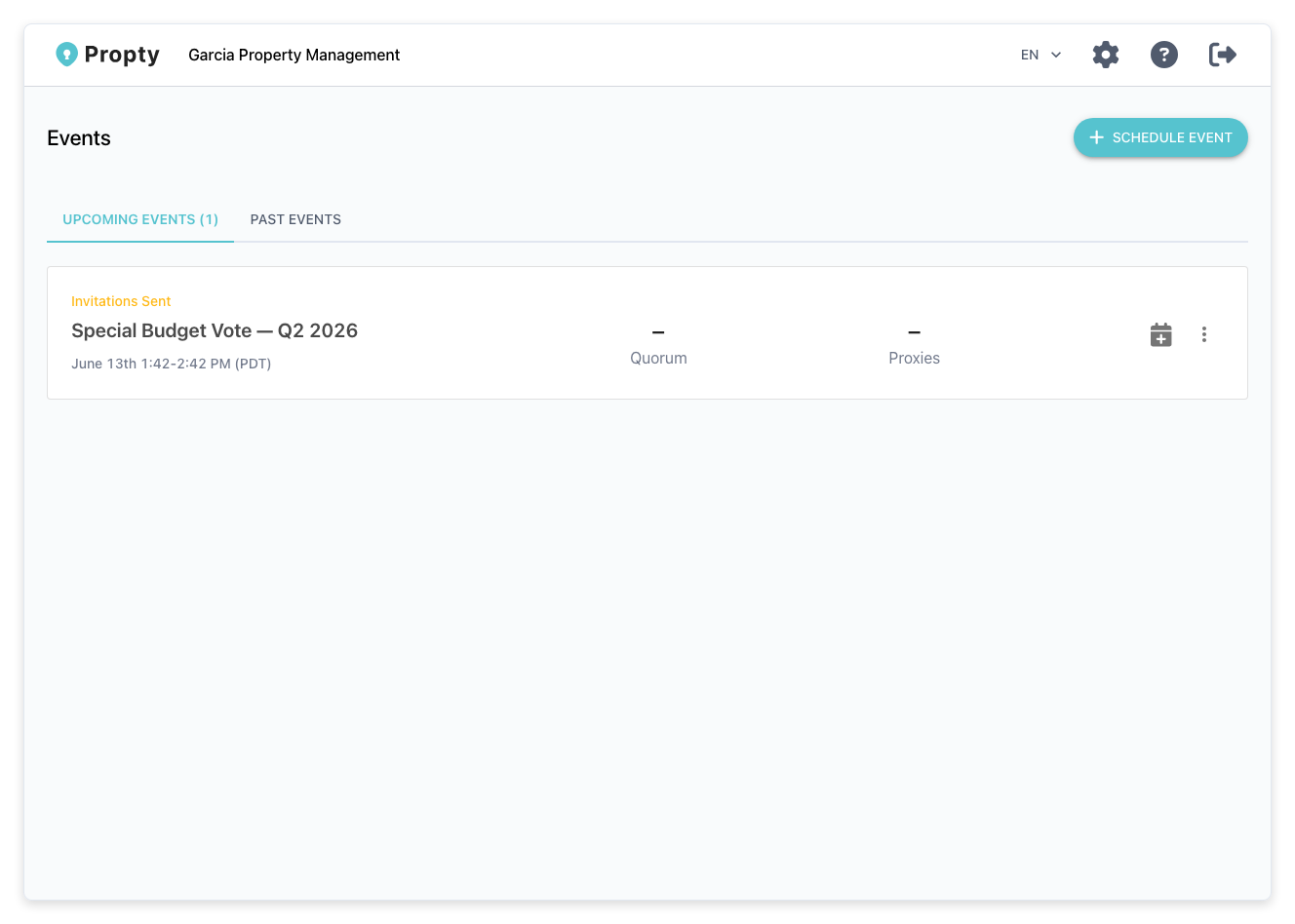
Navigate to Events in the sidebar, then click the event you want to assign an Inspector to.
Step 2: Go to the Inspectors Tab
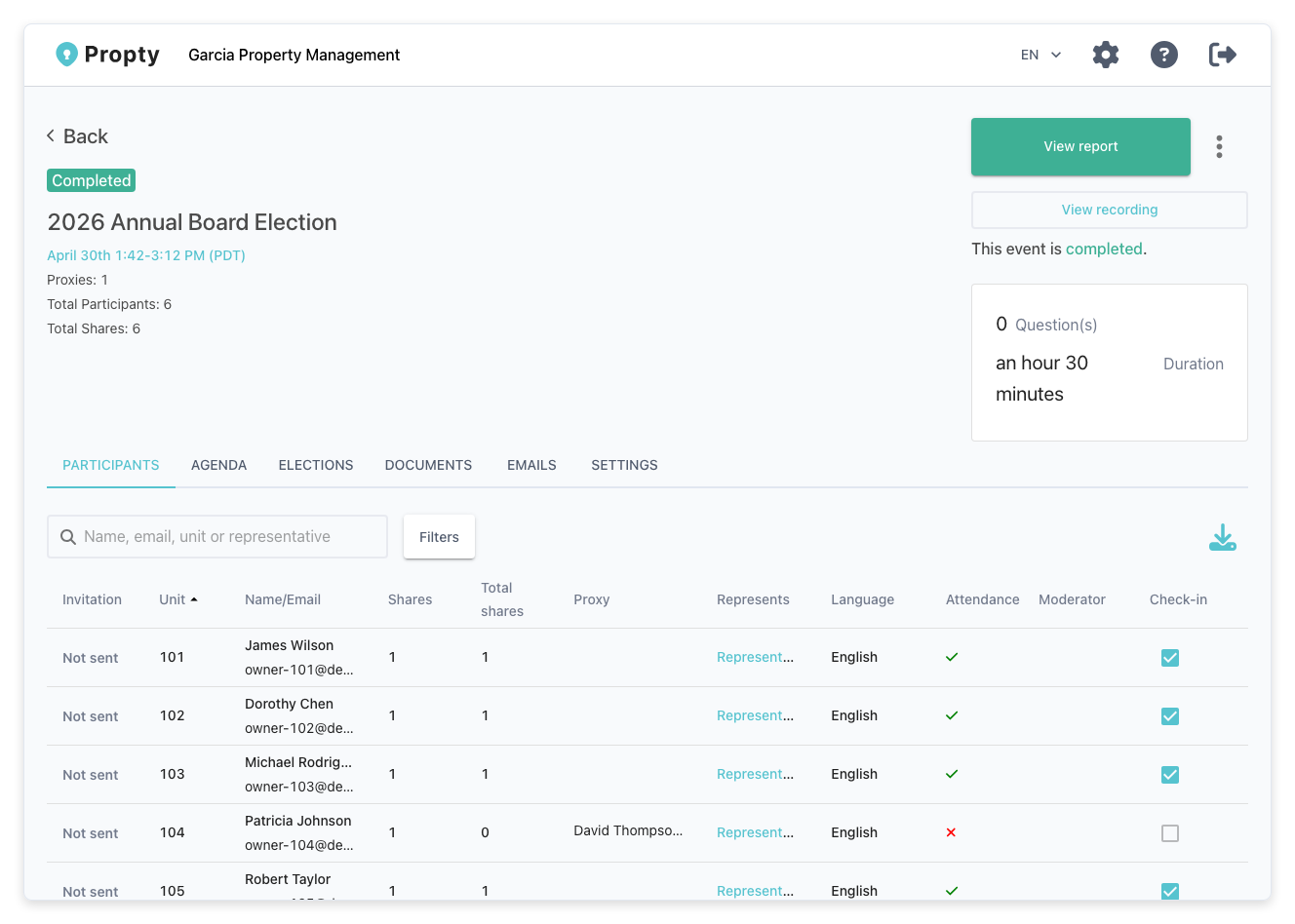
Click the Inspectors tab within the event details.
Step 3: Click Add Inspector
Click the Add Inspector button in the top right.
Step 4: Enter Inspector Details
Fill in the following information:
- Name: Full name of the Inspector
- Email: Email address where they will receive the invitation
- Role: Select Primary (main inspector) or Alternate (backup inspector)
Click Send Invitation to save and notify the Inspector.
Inspector Workflow States
The Inspector moves through several states as the event progresses:
| State | Description |
|---|---|
| Invited | Invitation email sent; awaiting acceptance |
| Accepted | Inspector has accepted the invitation |
| Active | Inspector is authorized to oversee the election |
| Certified | Inspector has reviewed and certified the results |
| Archived / Resigned | Inspector is no longer active |
Inspector Acceptance
When you invite an Inspector, they receive an email invitation with a link to accept the role. The email includes the event details and a direct link to confirm their participation. Once they accept, their status changes to Accepted and you can activate them.
Activating an Inspector
After the Inspector accepts, you must explicitly activate them:
- Open the event → Inspectors tab
- Find the Inspector with status Accepted
- Click Activate to set their status to Active
At least one Inspector must be Active before voting can begin.
Certifying Results
After the event ends and voting is closed, the Inspector certifies the election results:
- The system generates a report summarizing polls, attendance, and votes
- The Inspector receives an email with a signing link
- They review the report and digitally sign it to certify correctness
- The report status changes to Certified
Removing or Replacing an Inspector
If you need to remove an Inspector before the event starts:
- Open the event → Inspectors tab
- Find the Inspector you want to remove
- Click Remove to delete them from the event
To replace an Inspector, remove the current one and add a new one following the steps above.
The Inspector must be independent and impartial. They cannot be a current board member, employee, or interested party in the outcome of the election. Ensure the person you appoint meets California's independence requirements under Civil Code §5110.
Next Steps
- Proxy Voting and Mandates — allow owners to vote through representatives
- Meeting Reports and Digital Signatures — finalize and certify election results